If Ontraport keeps coming up in a Facebook group or a consultant's recommendation and you are trying to work out whether it is the real thing or another platform that promises more than it delivers, here is the short version. Ontraport is real. It has run since 2006, it is PCI DSS Level 1 compliant, and the company says it has served businesses for nearly 20 years with more than 500 five-star reviews behind it. Whether you will regret buying it comes down to one thing: what you are actually trying to do with it.
This site ranks checkout and funnel software for people who point paid ads at an offer. Ontraport is not built for that reader first, and we will be specific about where the line is. It is built for an established small business that wants its CRM, its marketing, its payments and its website running on one customer record instead of five disconnected tools. Judged as that, it is a capable and unusually well-supported product. Judged as a paid-traffic checkout, it is the wrong shape, and a handful of features decide why.
What Ontraport actually is
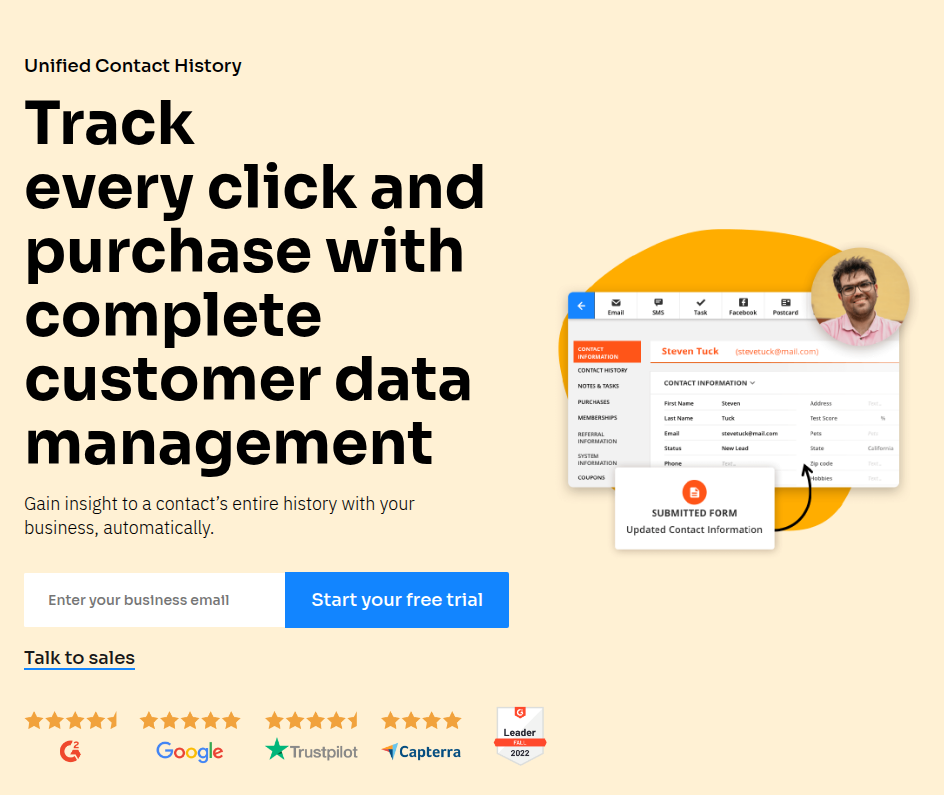
Ontraport puts four things most businesses buy separately onto one database: a CRM that tracks every contact and a visual sales pipeline, marketing automation for email and SMS with lead scoring and attribution, a payments system with order forms, upsells, subscriptions and failed-payment recovery, and a drag-and-drop website and page builder it calls a dynamic CMS. The pitch is consolidation. Everything a contact does, from the first ad click to the latest renewal, lands on one record the whole team can see.
That pitch is genuine, and it is the reason people stay. The company positions itself against Keap, HubSpot and Salesforce as the same core capability without the six-figure contracts or the dedicated admin those platforms tend to need. For a service business, a coach or an agency running real operations, replacing a stack of monthly subscriptions with one system that already talks to itself is a concrete saving in both money and setup time.
Who it is built for, and who it is not
Ontraport's natural buyer is an established small or mid-sized business with a list, a sales process and recurring revenue: consultants, course and membership sellers, service firms, and agencies managing their own or their clients' pipelines. If that is you, its closest rivals are Keap, HubSpot and ActiveCampaign, and the checkout alongside is a bonus rather than the headline.
If you are a media buyer sending cold paid traffic to a single direct-response offer, Ontraport is not the tool the leaders in that world reach for, and the reasons are specific rather than a matter of taste. The same is true of a coach-first platform like Kajabi or Kartra: they consolidate well, but none of them is built to scale cold traffic.
Where it fits for paid traffic
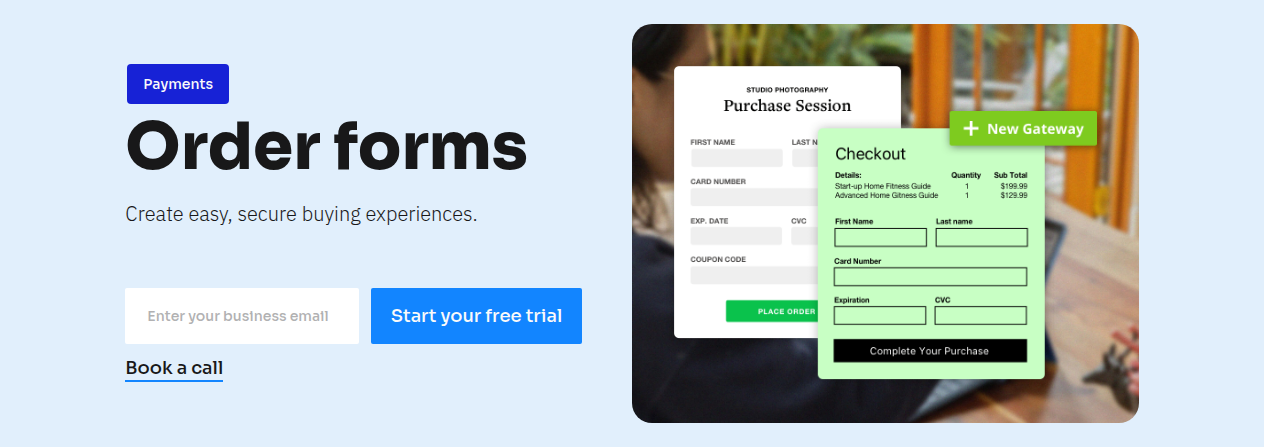
Ontraport does have a real checkout. Its order forms take payment on a hosted page, and they support order bumps, one-click upsells, coupons and subscription billing. It also has decline recovery, which retries failed subscription charges automatically, and for a business living on rebills that one feature pays for a lot of the subscription. So the conversion levers are there.
Two things are not, and they are the two that decide whether a checkout holds up under ad spend. The first is same-URL split testing. Ontraport can split-test pages and emails, but the way paid-traffic teams protect their ad learning is to rotate whole checkouts under one link so the ad platform never sees a redirect. Ontraport's testing is page-level, not a server-side rotation of entire checkouts under one URL. The second is payment routing. Ontraport connects a processor such as Stripe or Authorize.net and runs a single processor by default. It does not spread volume across several merchant accounts, which is what high-volume and high-risk sellers rely on so that one payment hold does not stop all revenue at once. If you need either of those, the platforms on our ranking of checkout and funnel software are built for it and Ontraport is not.
Marketing automation is the real strength
Where Ontraport earns its reputation is the automation builder. You map a campaign visually, branch it on what a contact does or does not do, score leads, route them to the right person, and track attribution from the ad click through to the sale. Because every part runs on the same database, the automation can act on a purchase, a page visit or a support reply without exporting data between tools. A newer AI assistant lives inside those automations rather than beside them, so it can segment contacts and draft messages against the data you already hold. For a business whose growth depends on following up with a list well, this is the part that justifies the platform, and it is the main reason buyers weigh it against GoHighLevel and Keap rather than a page builder.
The builder is the recurring complaint
The most consistent thing long-term users say is not that a feature is missing. It is that the page and email builder can be fiddly. Capterra reviewers describe it as quirky and sometimes outright frustrating, with blocks that behave unpredictably and the occasional freeze that forces a refresh. Others mention slow load times while editing. Ontraport ships fixes for this regularly, which tells you it is a known friction point the team works on rather than one that is solved. It is rarely the reason people leave, but it is the reason they sigh.
Deliverability draws mixed reports, as it does for every sending platform. Some users call it strong on Ontraport's shared sending infrastructure; others report poor inbox placement and trouble passing DMARC. The difference is almost always setup: authenticate your domain, warm your sending, and keep the list clean, and most of the complaints go away. On higher volumes a private IP is available as a paid add-on.
What long-term users like
The praise clusters on two things: support and staying power. Ontraport runs its support in-house seven days a week, and even critics tend to call the team helpful. Users well past seven years describe it as an amazing tool with an active community and a product team that cares, and that loyalty is telling, because moving a CRM and its automations to another platform is a large, risky job. People who stay tend to stay because the system does what they need and because the cost of leaving is high.
What it costs, in short
Ontraport is not a budget tool, and it does not pretend to be. Its Pro account starts at $124 a month billed annually, which the company's own comparison material shows as $112 a month on the first annual bill thanks to a one-time three-month discount, then $124 after. Monthly billing costs more, and annual billing gives two months free. The plan scales mainly by how many contacts you store, and larger capacity or an Enterprise plan is quoted after a call. Add-ons such as extra users, SMS and the dynamic CMS are billed separately, so model your real total rather than the headline. Every account starts with a 14-day free trial that needs no credit card, and there is a full refund if you cancel within the first 30 days. The full breakdown is on our Ontraport pricing page.
Against a budget suite that bundles everything for a low monthly fee, Ontraport looks expensive. Against HubSpot or Salesforce at the capability it matches, it looks like a bargain. Which comparison is fair depends entirely on which bucket you are shopping in.
Bottom line: will you regret it?
Ontraport is legitimate, stable and well supported, and businesses run on it for a decade at a time. You will regret it in two situations. The first is if you bought it expecting a cheap tool; it is priced for a business with revenue to justify it, not for a first-timer testing an idea. The second is if you run paid traffic to direct-response offers and you need same-URL split testing or payment routing, because it has neither, and for that job the platforms on our ranking or the alternatives fit better. For an established small business that wants CRM, marketing automation and payments on one customer record, with a support team that answers, the regret people report is rarely that it did not work. It is that the builder was fiddly, so go in expecting a learning curve and test the full flow during the trial before you move your business onto it.