Which checkout adds an order bump before the card runs
You bought the click, and any extra revenue has to come from this checkout, before the card runs. Pick software that puts a pre-payment order bump on that page, then confirm the plan you pay for actually includes it.
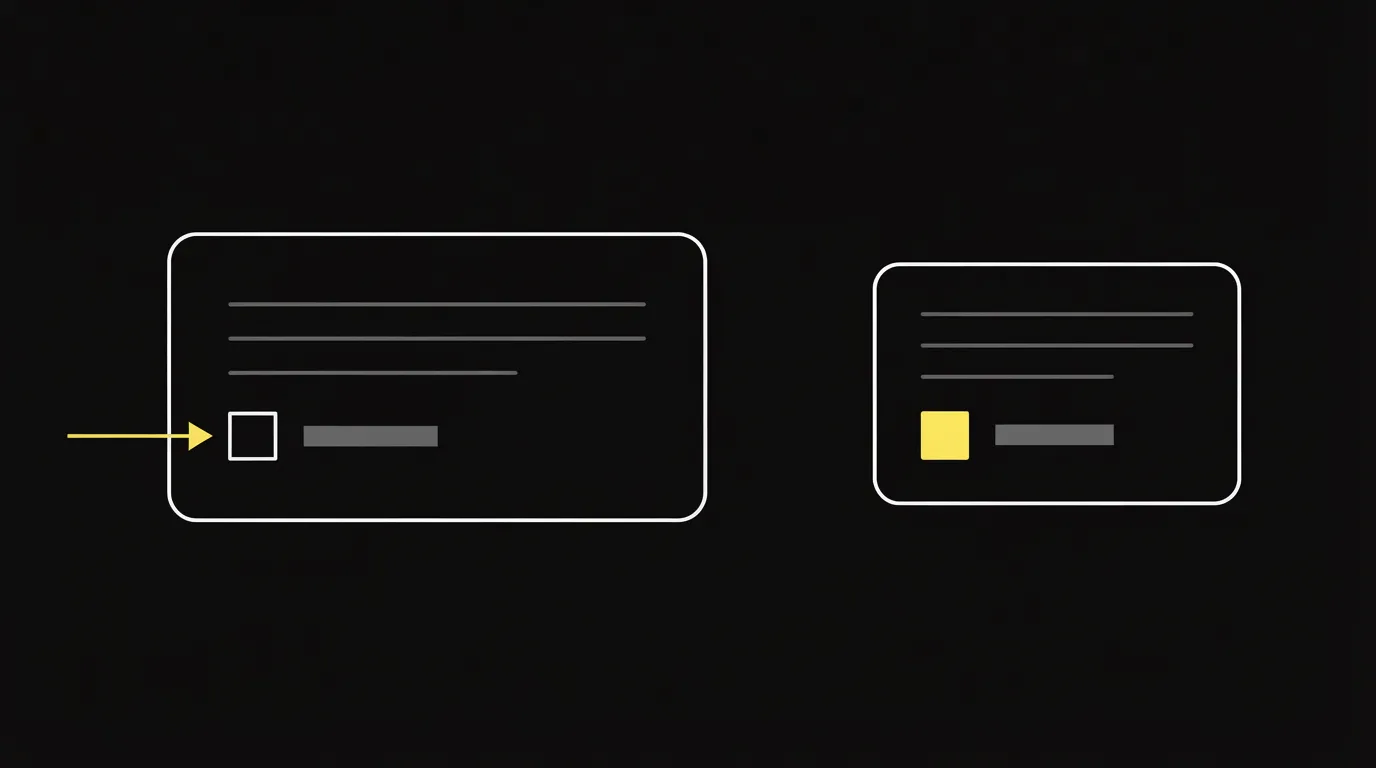
The bump is added to the same order. A one-click upsell is a page after payment, charged to the card already stored. Read order bump vs one-click upsell for how those two offers differ.
Run your numbers in the bump and upsell calculator. The dollar result shows whether the add-on is worth the plan that includes it.
Match the cart to where the checkout already lives: a WooCommerce store, a hosted creator cart, or a high-volume direct-response page. Plan gates and bump counts below come from each company's own pages. Before I take a side I read public comments from people who have run these carts for a while, and the research method page spells out that process.
What an order bump is
An order bump is a pre-payment add-on on the checkout page. The buyer ticks one box, and there is no second form. SamCart's expansion-revenue guide describes it that way, and the same guide prices a typical bump from $7 to $47. Above about half the main offer, that add-on starts to feel like a second decision. For the definition on its own, see what an order bump is.
On SamCart's own transactions, take rates run from 31% to 42%. That band is the vendor's figure.
On cold traffic, a bump that has nothing to do with the main product can pull the buyer off the sale you already paid for. Keep the add-on tied to what they came to buy.
Order bump examples for the checkout
SamCart's guide uses a $197 sleep course as the main offer. The bumps that sit beside it are files the buyer can receive at once, and each one extends the course.
- A $27 printable sleep tracker.
- A $47 bonus module.
Both fit the range in the section above, and both extend the sleep course the buyer already chose.
What to look for in an order bump checkout
The best order bump app is the checkout you already run, on a plan that includes the box. Four checks settle it.
First, the offer has to be accepted before the card runs. The page after payment is a different product.
Second, count the bumps the plan allows. ThriveCart includes one bump offer on Standard and multiple bumps on Pro+. SamCart can attach one bump collection across many products in a single step, which it calls Global Order Bumps.
Third, read the plan gate. SamCart's pricing page puts bumps and stored-card offers on Pro. Core is the checkout without them.
Fourth, see whether you can test the bump itself. Checkout Champ advertises A/B/C tests on pre-purchase bumps. Where the box sits on the page is worth a test of its own, and the checkout split testing guide covers carts that can run that test on the URL your ads already use.
Hosted carts built around bumps
Use a hosted cart when the checkout is the product and the pages around it are secondary. I would pick SamCart if the bumps are the main job and you will pay for Pro. Choose ThriveCart if one bump on Standard is enough and you also want pro-rated payments on that funnel. The head-to-head is SamCart vs ThriveCart.
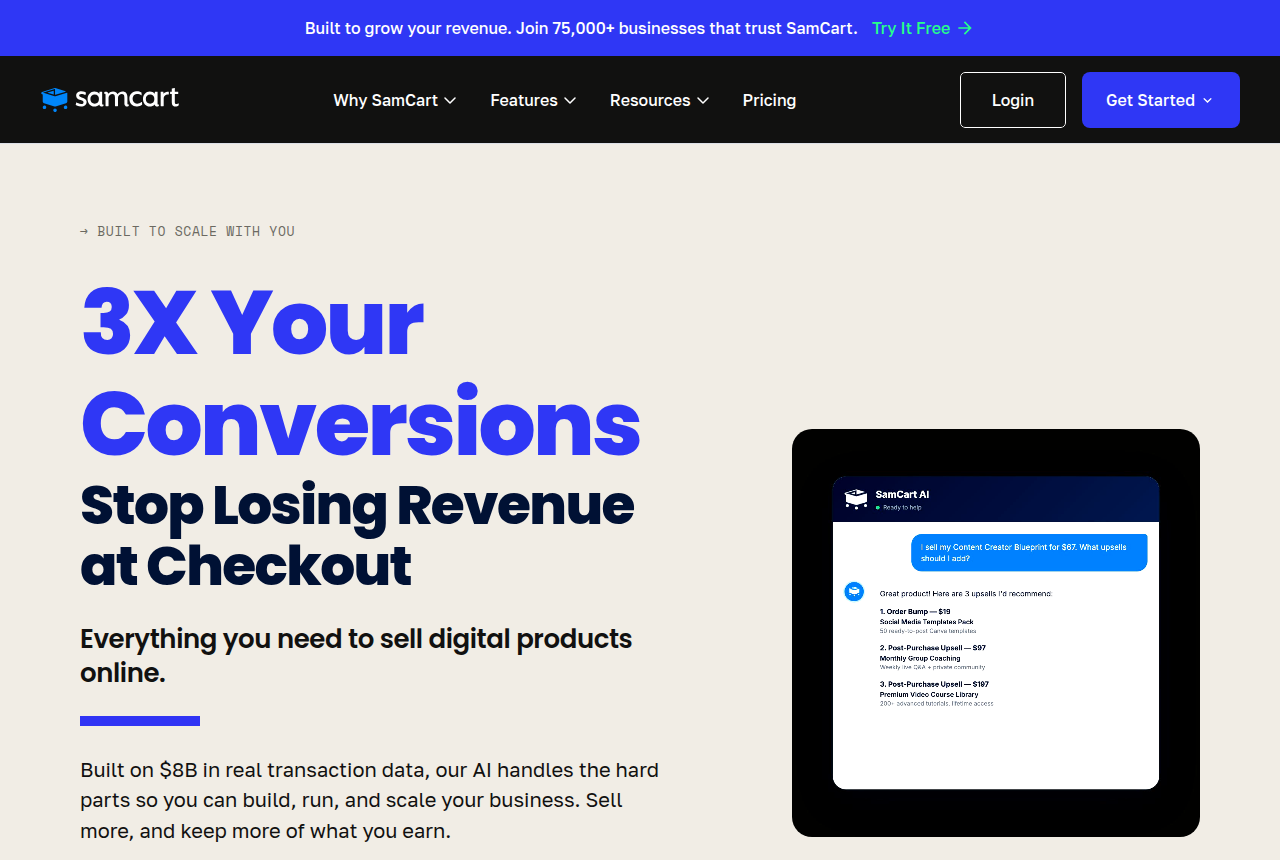
SamCart
- Prices read
- 16 Oct 2026
- Core
- $79 a month
- Pro
- $199 a month
- Order bumps
- On Pro, with 1-click upsells
- Trial
- 7 days
SamCart's bump page tells the buyer to check a box so the add-on is tacked onto the purchase. Global Order Bumps are the collection you attach once and reuse. The SamCart review explains the cart's other limits.
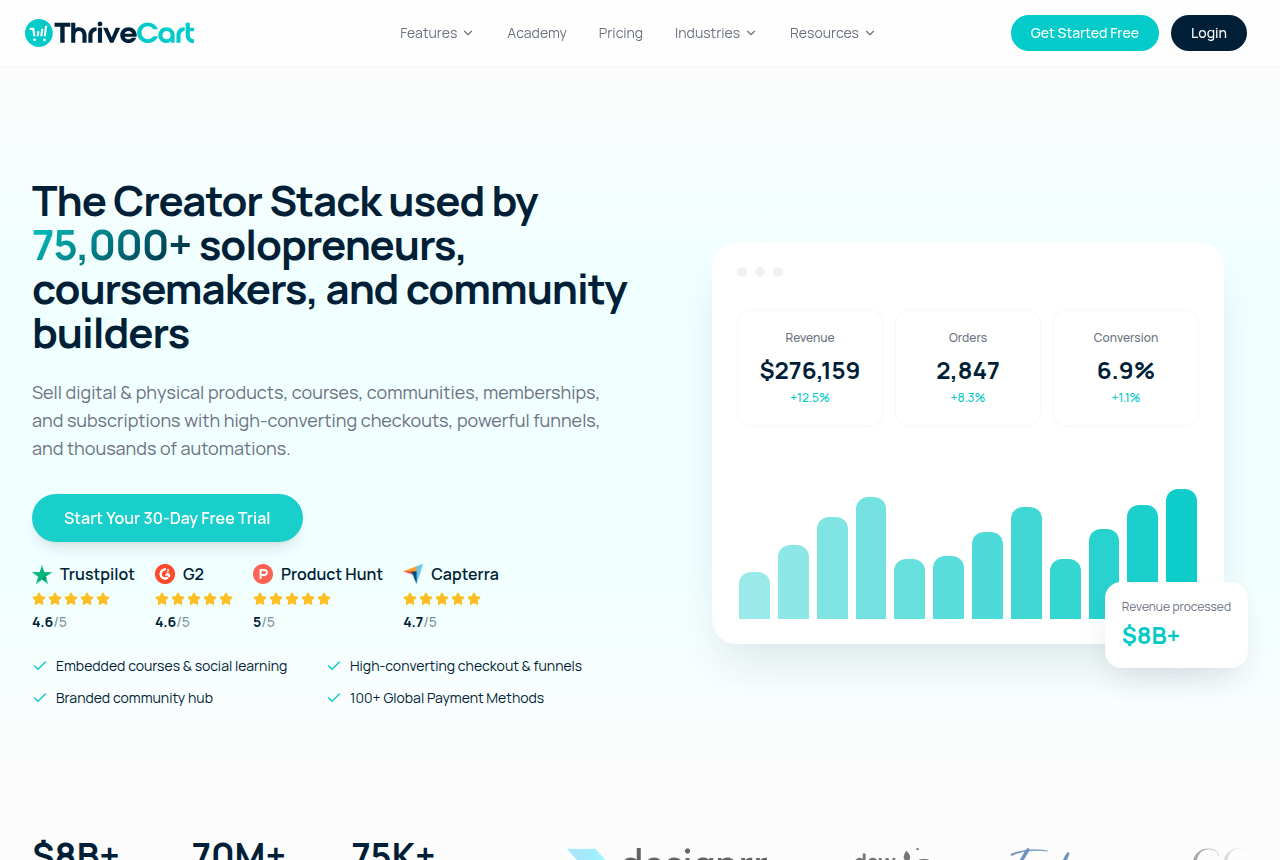
ThriveCart
- Prices read
- 16 Oct 2026
- Standard
- 1 bump offer
- Pro+
- Multiple order bumps
- Trial
- 30 days on Standard monthly
ThriveCart's homepage lists one bump on Standard. The funnel copy on that page adds several bumps, upsells and downsells, with pro-rated payments and access rules, which is the Pro+ side of that split. The ThriveCart review explains the license.
Funnel builders with checkout bumps
ClickFunnels and Systeme.io fit when the pages, the email and the offer already share one login, and the add-on is a step inside that funnel.

ClickFunnels
- Checkout offers
- More than one, listed on the page
- How the buyer adds one
- One click, from that list
ClickFunnels' smart checkout calls these one-time offers and will list more than one of them. Customers add whichever offers they want from that list. That is a list on the checkout, which is a different control from the single box SamCart describes. See the ClickFunnels review.
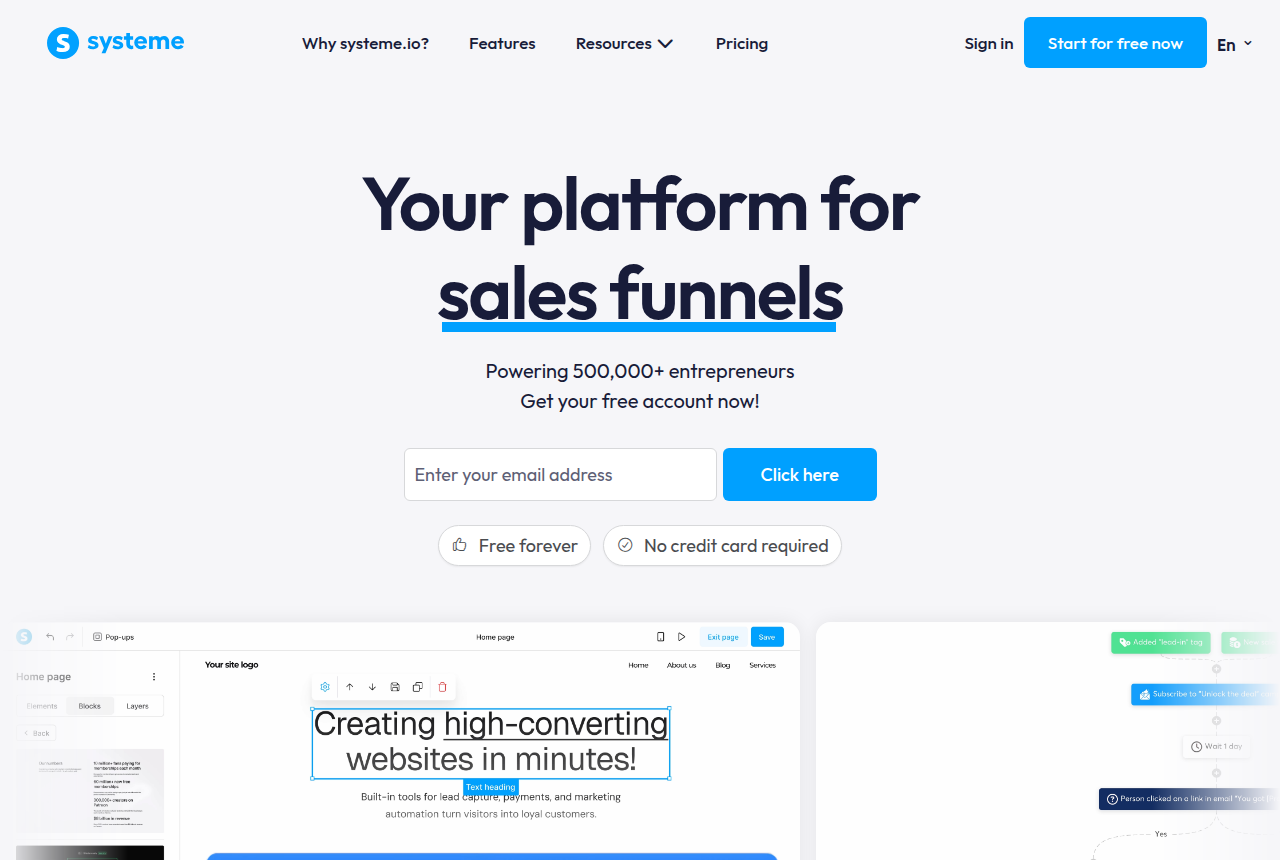
Systeme.io's funnel page walks through one dashboard where you connect Stripe or PayPal and set upsell and downsell offers, including on the free plan. That is a low-cost way to put an offer on the checkout step. A brand that needs on-page and pop-up bumps at volume is the Checkout Champ case below. The bundle, including email and courses, is in the Systeme.io review.
High-volume and WooCommerce checkouts
Stay on WordPress if the store is already there. A high-volume direct-response brand that needs to test the bump on the page should use a standalone checkout.
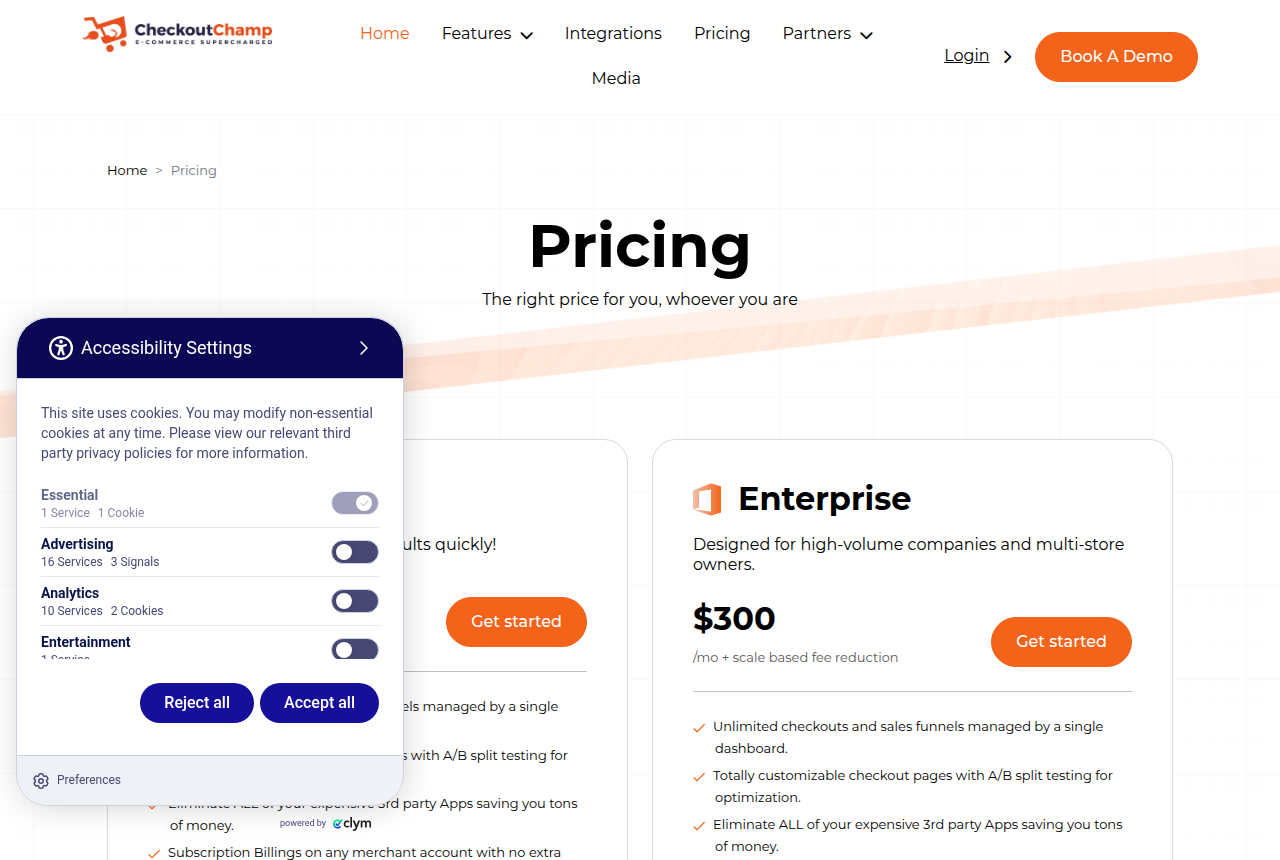
Checkout Champ
- Prices read
- 16 Oct 2026
- Growth
- $300 a month plus a sales percentage
- Bumps
- On-page and pop-up
- Tests
- A/B/C on those offers
- Access
- Demo, no self-serve trial
Checkout Champ's homepage treats pre-purchase bumps, and offers after the sale, as ways to lift average order value, and it says A/B/C testing is built in. The same page markets on-page bumps and pop-up bumps. You book a demo before you can use it. If the brand also spreads first sales across merchant accounts, that routing is a separate job from the bump, covered in MID routing for subscription and rebill offers. Read the Checkout Champ review for the plan and the demo.
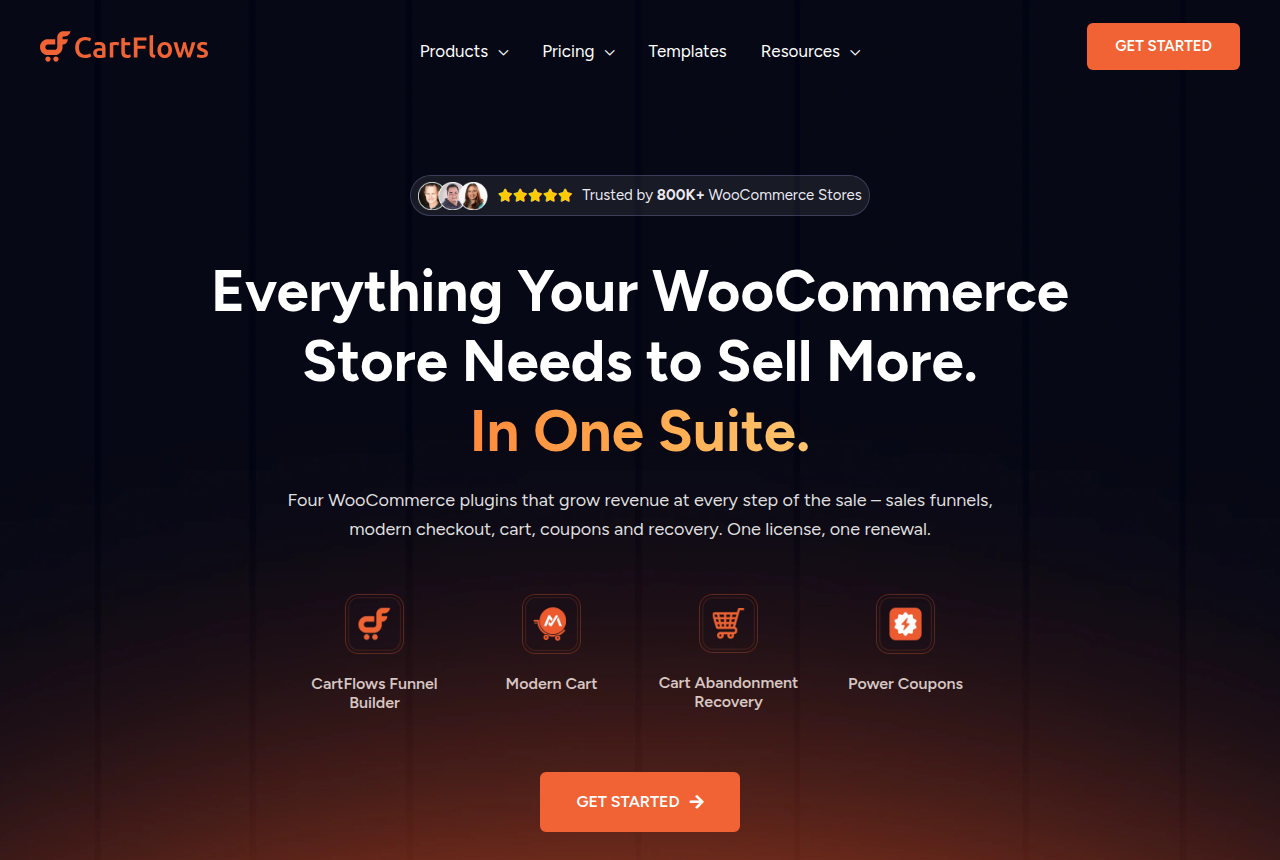
CartFlows
- Prices read
- 16 Oct 2026
- Pro, first year
- $199
- Pro, renewal
- $299 a year
- Includes
- Dynamic bumps on WooCommerce
- Store
- WooCommerce
CartFlows' pricing page puts dynamic bumps and post-purchase offers on Pro, for WooCommerce checkouts. A store already on WordPress can add the bump inside WooCommerce. A direct-response brand on its own checkout is the case above. Details are in the CartFlows review.
Stripe Checkout is the payment page
Some stacks stop at the payment host and expect the bump to appear there. Stripe Checkout is a hosted page for one-time payments and subscriptions. Its product page describes those charges. The checkbox has to come from a cart or a WooCommerce plugin in front of that page. Payment rules for this host are in the Stripe Checkout review.
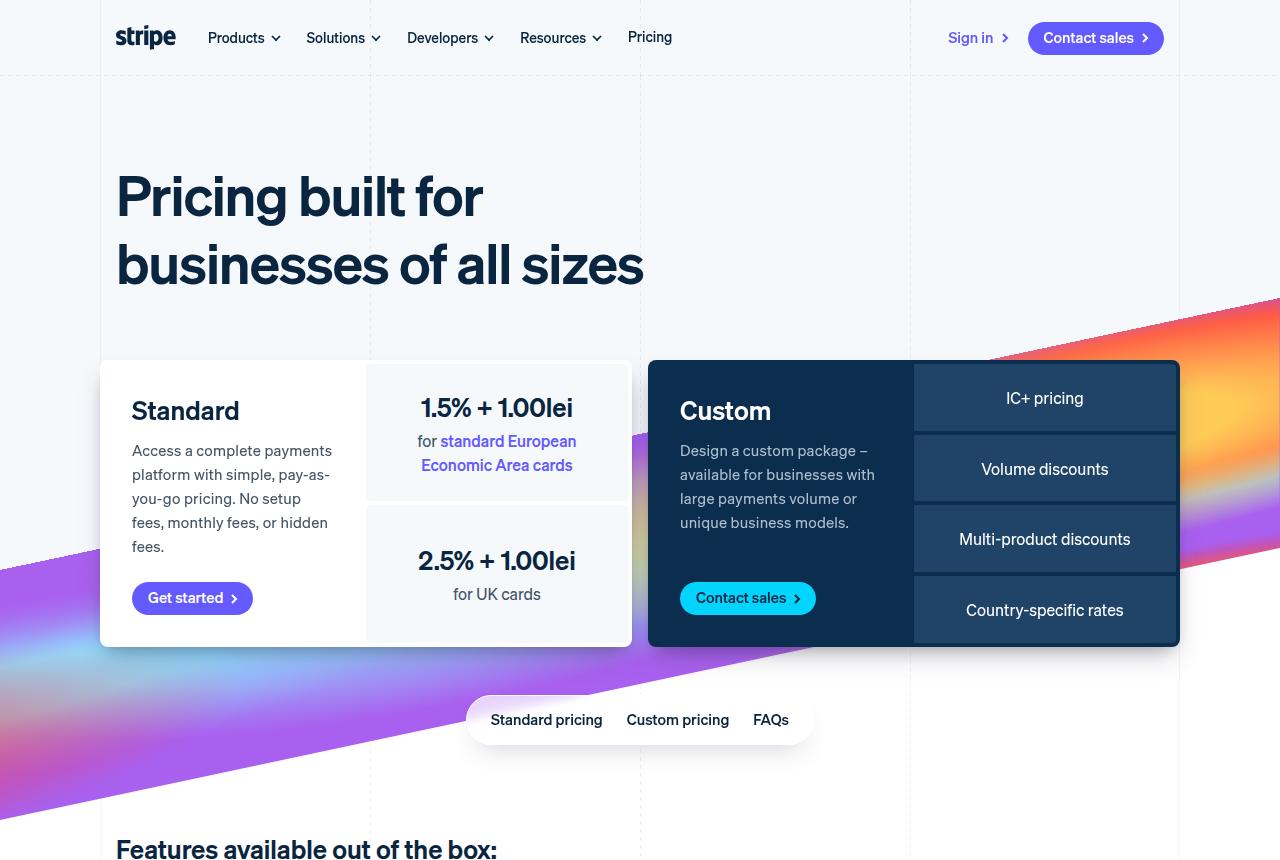
Stripe Checkout
- What it is
- Hosted payment page
- Charges
- One-time and subscriptions
- Order bump on this page
- The product page covers the payment form
My take
I would start with one complementary bump on the checkout that already sells, and add the post-purchase offer only after that box is live. A WooCommerce store stays on CartFlows. For a creator on a hosted cart, I would use ThriveCart if one bump is enough, and SamCart Pro if the bumps are why you are buying the cart. High-volume direct response is Checkout Champ. Stripe Checkout alone is the payment page, so pair it with one of those.
If you test the bump's wording or where the box sits, keep the ad pointed at one URL, which is what the checkout split testing guide above is for. Use your own price and a take rate you are willing to assume, because the band in the definition is one vendor's transactions. Platform cost at your monthly revenue is a separate sum, in the checkout cost calculator.
Your next step
Run your numbers in the bump and upsell calculator. Enter the main price, the bump price, and a take rate you are willing to assume. The other guides are on the Best of page.
Written by
Last checked 2026-10-16
Comments
No comments yet. Questions and your own experience are welcome.
Thank you. Your comment will appear once it has been reviewed.