Which checkout URL should each traffic source get?
Facebook, a warm email list and an affiliate can each need a different order bump, and the sale still has to credit the right source. With traffic source checkout routing, people from each source land on a checkout page built for them. A code stored on one shared page records who sent the buyer.
Run the checkout cost calculator before you duplicate a funnel. It shows what each platform costs at your monthly revenue.
What the source actually changes
Cold Facebook ads, a warm email list and an affiliate list can each need a separate checkout, with the order bump and the upsell set for that audience. The same page can store an affiliate ID or a UTM parameter and leave the offer unchanged.
Affiliate marketers comparing traffic splits say attribution gets messy fast once the parameters stop matching from the click to the order.
One URL per source
Hand each affiliate, or each ad set, a funnel link of its own. Any of these platforms can do that, because the difference is the address you give out. When the offer changes, you update each of those pages.
Checkout tests on one link
CartFlows' split-test docs say you can test any step, including checkout, upsell and downsell, and a variation can use a different order bump. Keep sharing the control step's link, the address you already use. That rotation is a test of the step.
ClickFunnels' A/B testing page says you compare two variations of a funnel step. The example on that page is the checkout. Treat each variation as an address of its own.
A campaign for each checkout
Konnektive's campaign-types article separates Lander and E-Commerce campaigns. Lander campaigns are the styled sales funnels, and each type keeps its checkout style and its affiliate roster. A source that needs its own page gets another campaign, or another address.
Checkout Champ's homepage describes one dashboard holding hundreds of stores and thousands of funnels. The pricing page describes splits of price points, of entire products, and of upsell flows.
People who build tracking links say each extra redirect is a point where the click can fail, and that the extra hop adds delay. Put the traffic source in the checkout URL. A chain of tracker redirects before that URL is the extra hop they describe.
Marketplace tracking links
ClickBank's how-it-works page tells affiliates to generate a tracking link for the offer they promote. Sellers use the ClickBank order form to take payment, and ClickBank is the merchant of record on that sale. The affiliate sends the click there, and the buyer pays on that same form.
Digistore24's homepage includes a split test of the product, the price, the sales page, the order form and the upsell. Affiliates promote the offer. The test belongs to the vendor.
Sellers who want the platform to accept the card and handle sales tax should read the guide to merchant of record for digital products.
Dynamic checkout by UTM
Konnektive's UTM article says an account manager enables the filters. Import Click stores the codes, and you filter the Order Summary by them. An Order Summary filtered by UTM is a sales report. The buyer's checkout page stays the one in that campaign.
When utm_campaign has to show buyers another page, use a separate URL or a separate Konnektive campaign. CartFlows' control link rotates variations of a step for a test. When the ad must keep its current address, split test the whole checkout under one ad URL.
Checkout per affiliate
Konnektive's affiliate link article shows a checkout URL with affId and up to five passed values. The example appends affId and a c1 value. Form Code or the Import Click API carries that session into checkout. The string can sit on one shared URL or on a URL built for the partner, and it credits the affiliate.
ClickBank's tracking link still pays through that hosted form. Digistore24 partners keep promoting the offer while the vendor runs the form test.
A partner who needs a different bump, or a different upsell, needs a duplicated funnel or a duplicated campaign. A fresh affId credits them on the funnel you already published.
CRM campaigns and funnels
Open a CRM when each source is already a campaign and the affiliate string has to ride on that address. Supplement offers that pay a large affiliate roster are the usual reason to open a CRM.
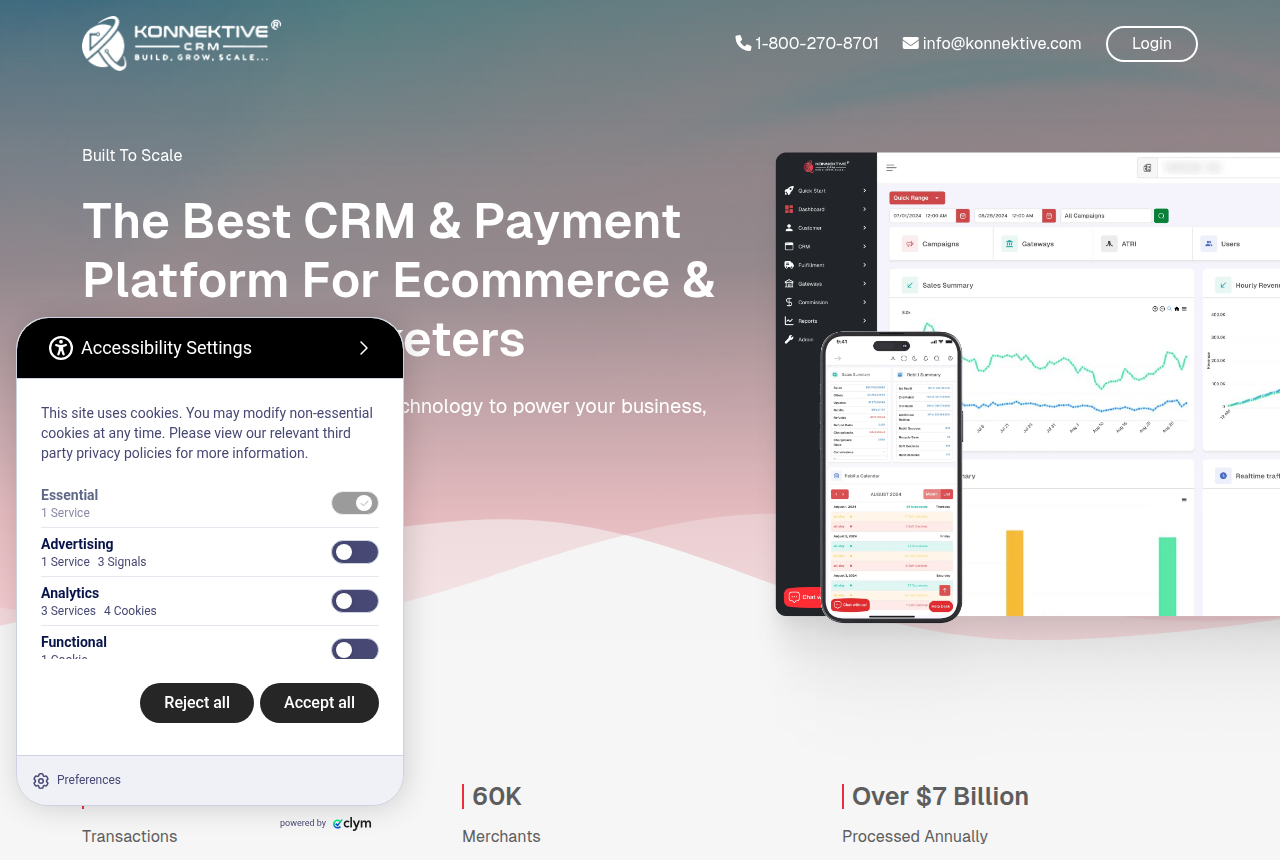
Konnektive
- Campaign types
- Lander and E-Commerce
- Affiliate string
- affId plus five values
- UTM report
- Order Summary after enablement
Lander versus E-Commerce, and the string those partners append, are written up in the Konnektive review.
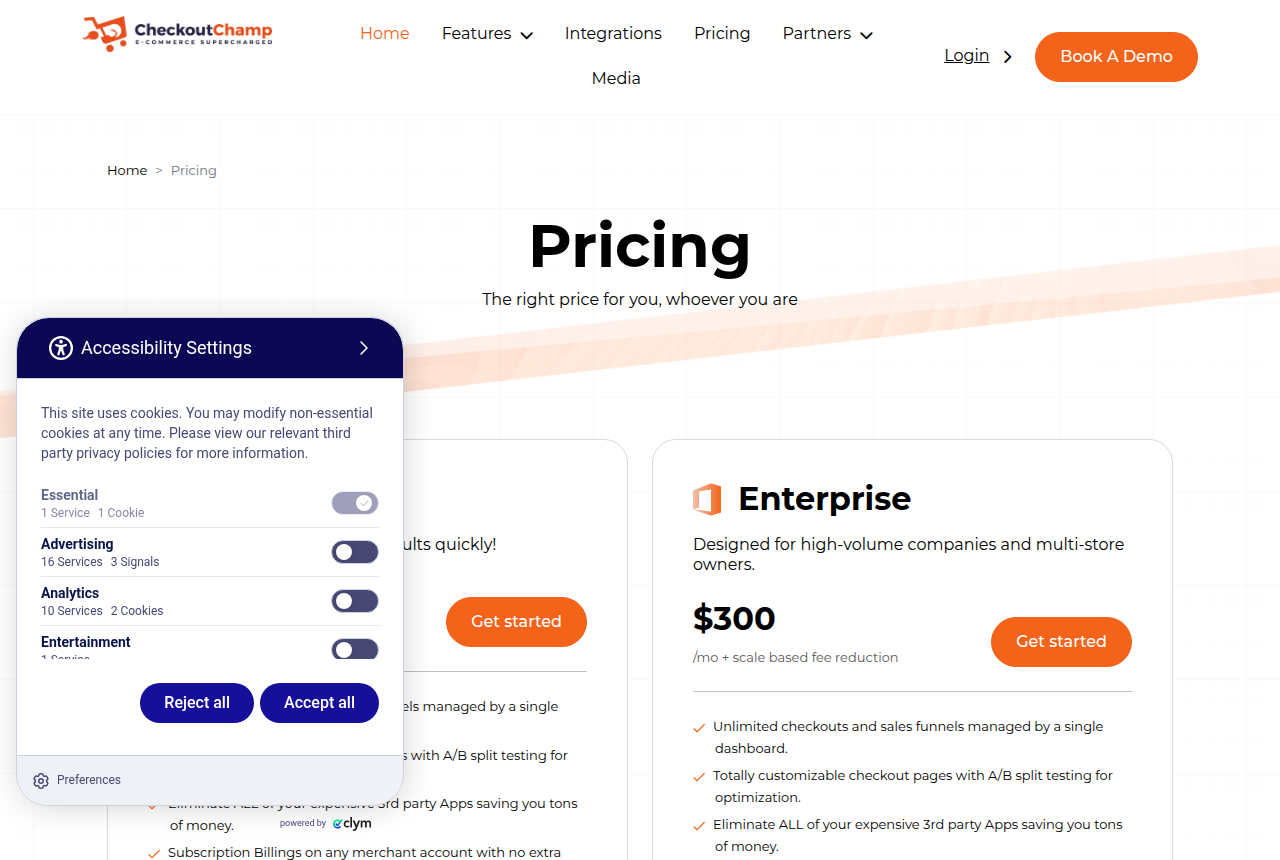
Checkout Champ
- Prices read
- 16 Oct 2026
- Growth
- $300 a month + 1% of sales
- Enterprise
- $300 a month, fee falls with volume
- Checkouts
- Unlimited on one dashboard
- Splits
- Price, product, or upsell flow
Growth is the plan for a paid-media team that runs many funnels and gives each offer an upsell path. Those funnels share one dashboard, which the Checkout Champ review describes.
Step tests in funnel builders
Open a funnel builder when you want two versions of the checkout, or when the store runs on WooCommerce and every variation must use the ad link you already run.
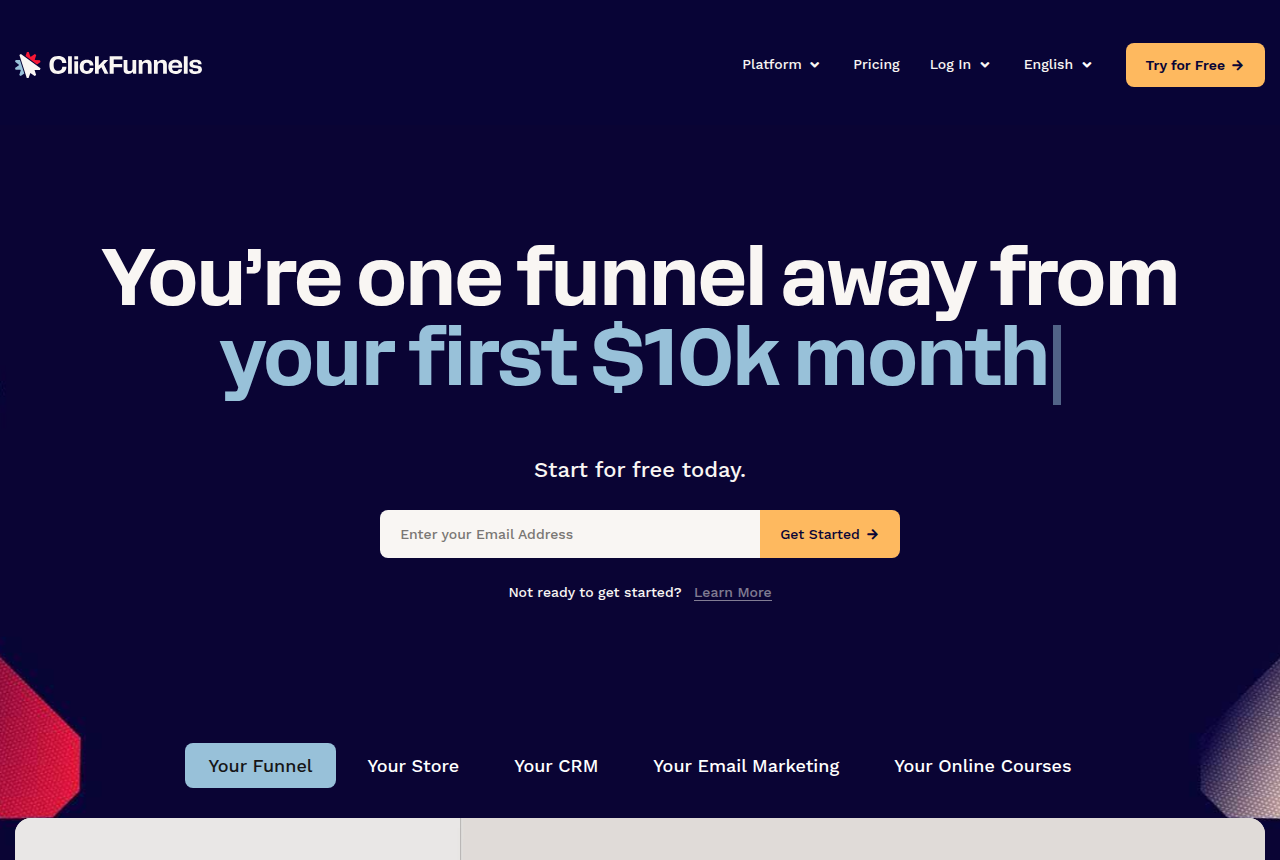
Send each source to the step you built for it. The editor behind those steps is described in the ClickFunnels review.
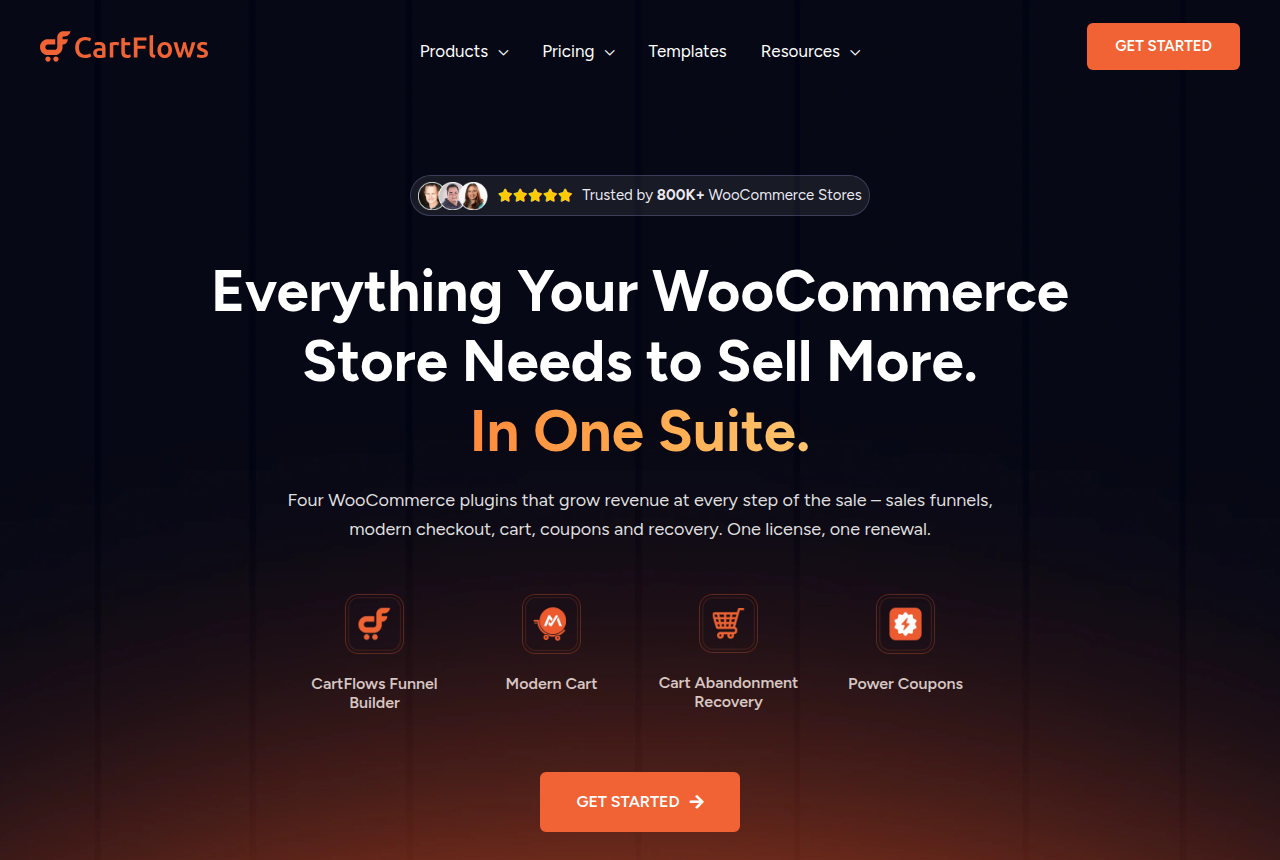
CartFlows
- Steps you can test
- Checkout, upsell, downsell
- Shared link
- The control step
CartFlows is for a WooCommerce store that has to keep the address the ad already uses. WooCommerce layout choices for this checkout are shown in the CartFlows review.
One hosted order form
A marketplace is the right home when every partner sends buyers to the same payment page. The day one partner needs another bump, that partner gets a separate path.
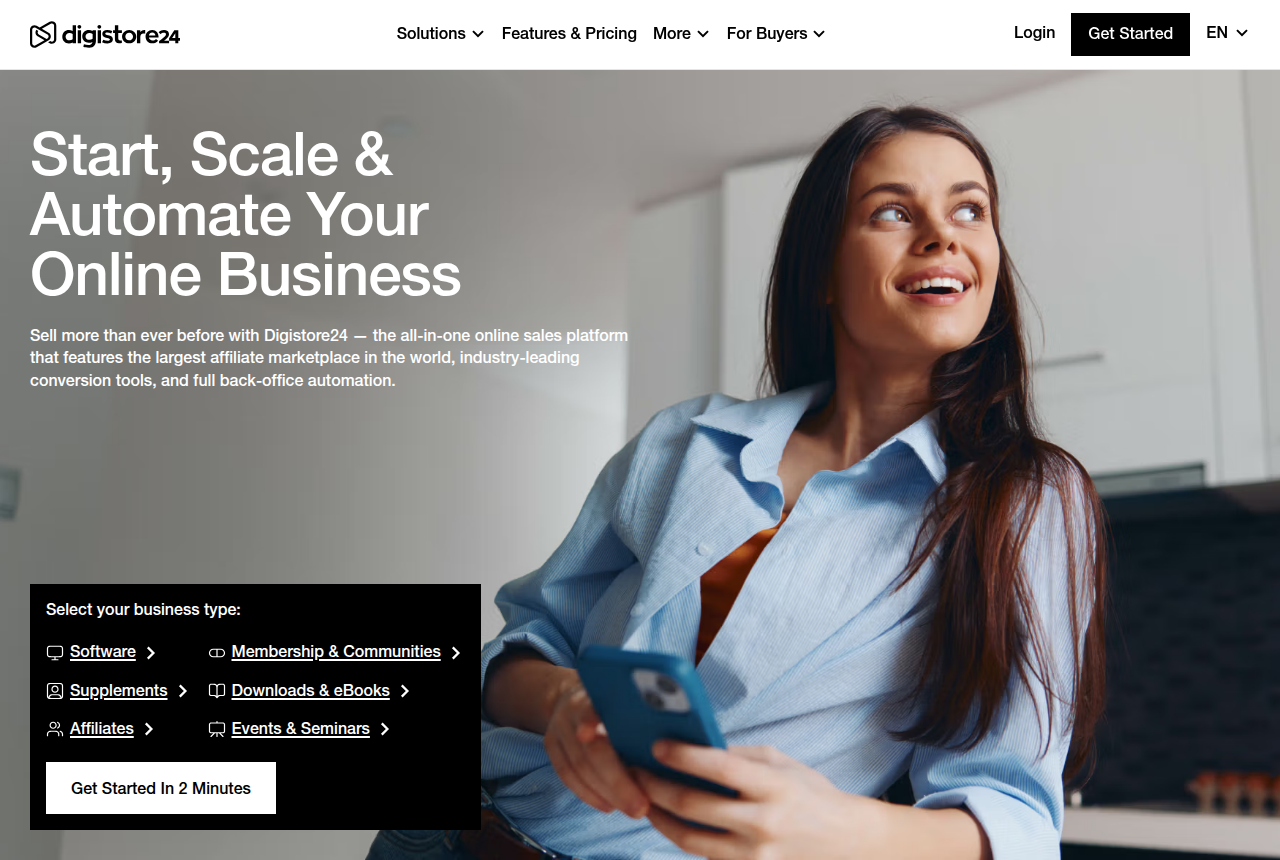
Use Digistore24 when you test the order form and affiliates promote the offer. Reseller duties on this form are a section of the Digistore24 review.
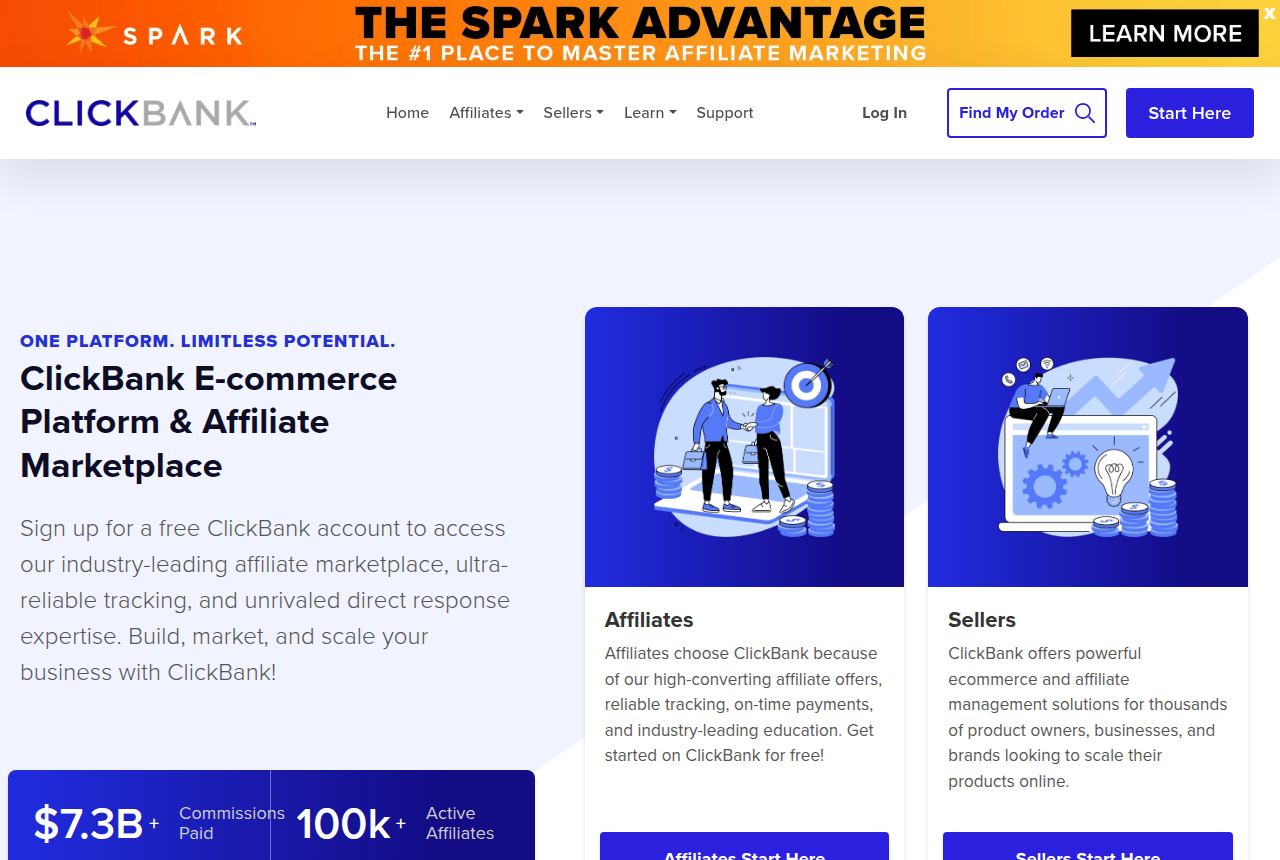
ClickBank is for affiliates sending buyers to that hosted form. Payout rules from the form are part of the ClickBank review.
Tests, MIDs, chargebacks
The checkout URL and the merchant account are two choices. Read how first sales spread across merchant accounts when you are choosing the account.
A separate path also shows which traffic is filing disputes. The chargeback ratio checker compares your dispute ratio with the Visa and Mastercard thresholds. If supplement affiliates will drive the traffic, read high-risk merchant account providers before paid ads go live.
My take
I would start with a separate checkout URL for cold paid social, one for email, and one for the affiliate roster. I would skip any tracker redirect placed before those URLs.
When a source needs an order bump of its own, I would pick a second Konnektive or Checkout Champ campaign. When the store runs on WooCommerce and the ad link must stay the same, I would pick CartFlows. I would keep ClickBank or Digistore24 while every partner uses the same form.
Next step
Run the checkout cost calculator with your monthly revenue, and put the CRM plans next to the marketplace cut you pay today.
Frequently asked questions
What does traffic source checkout routing change?
Where do Konnektive campaign codes end up?
How does checkout per affiliate work on a hosted form?
Which links should go live first?
Sources
Written by
Last checked 2026-10-21
Comments
No comments yet. Questions and your own experience are welcome.
Thank you. Your comment will appear once it has been reviewed.