Which WordPress plugin adds bumps and one-click upsells?
Your store is already on WordPress, and you need a checkout bump, an offer after payment, and the pages in between, with the order still in WooCommerce. CartFlows Pro fits a store on Elementor, Bricks or Divi whose email stays in another tool. FunnelKit Plus covers those same checkout offers, and FunnelKit Professional is the plan when email and SMS should run inside WordPress.

Compare CartFlows and FunnelKit before you pick a plan. That comparison covers price, bumps and email for both plugins.
What a sales funnel builder for WordPress actually replaces
A sales funnel builder for WordPress leaves the order, the products and the gateway inside WooCommerce. It swaps the default checkout for its own template, then adds funnel steps, a thank-you page, and offer widgets WooCommerce core does not ship.
CartFlows describes that job as a replacement checkout: funnel steps, order bumps, post-purchase offers and A/B testing, with the charge still running through the gateway already on the store. A WooCommerce sales funnel builder is that plugin, not a second store.
On WooCommerce 8.3 and later, many new stores use Cart and Checkout blocks. WooCommerce's developer FAQ says a plugin that does not extend those blocks usually will not show its features. In some cases it breaks checkout for someone creating a new store. Read that note before you assume a classic checkout layout will appear.
What to check before you install
A WooCommerce checkout plugin sits in front of the gateway you already use. CartFlows' funnel builder page says any WooCommerce payment gateway works with it, and it names Auth.Net, iDeal via Mollie, Mollie, PayPal, Square, Stripe, WooCommerce Payments, and cash on delivery for the charge after checkout.
That later charge needs a gateway that can bill a saved payment method. If the gateway cannot store the card, the buyer has to enter it again on the next screen.
On a store that already uses those Cart and Checkout blocks, open the plugin's compatibility notes before you change the live checkout, and make the change on a staging copy. A plugin that is not built for the blocks can hide the bump or break checkout. The custom checkout review covers checkout replacement on other platforms.
A bump, then the offer after payment
An order bump is a checkbox on the checkout page, added to the same order before the buyer pays. The offer after payment is a separate page. The buyer accepts, and the plugin charges the card the gateway already stored. That second step is what people mean by a WooCommerce upsell plugin.
The two offers are different jobs. The order bump page and the one-click upsell page cover each of these offers. If you want a dollar figure before you pay for a plan that includes order bumps, the order bump and upsell revenue calculator takes a price and a take rate you choose.
Store owners who want a last-minute offer on a WooCommerce checkout keep turning to plugins in this group. The free plugin lets you look at the checkout. The paid plan adds the checkbox and the offer on the next screen.
Two WooCommerce sales funnel builders to shortlist
Two plugins belong on this shortlist. Both need WordPress with WooCommerce installed and activated. Both publish a free plugin on WordPress.org. Bumps and post-purchase offers require a paid plan.
CartFlows
- Prices read
- 16 Oct 2026
- Starter
- $99, then $149 a year
- Pro
- $199, then $299 a year
- Pro adds
- Bumps, post-purchase offers, A/B tests, routing, 3 sites
- Lifetime Pro
- $699
- Window
- 14-day money-back
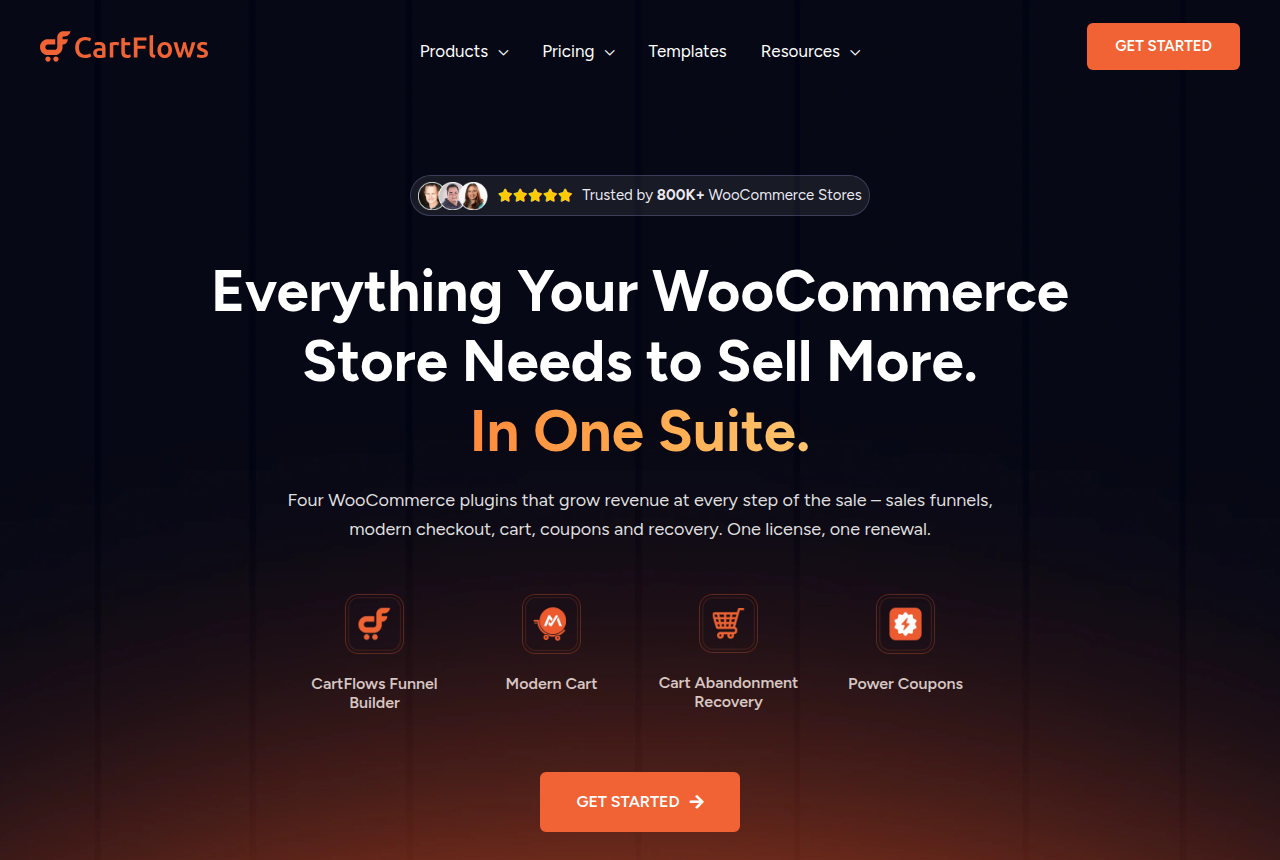
CartFlows' homepage lists Elementor, Bricks, Divi, Beaver Builder, Spectra and Gutenberg, and it says 800K+ WooCommerce stores use the plugin. It fits a store that already builds pages in those editors, with follow-up mail in Klaviyo or Mailchimp. The CartFlows review goes through the rest of the suite.
FunnelKit
- Prices read
- 16 Oct 2026
- Basic
- $99.50, then $129 a year, checkout only
- Plus
- $149.50, then $299 a year, bumps and upsells
- Professional
- $199.50, then $399 a year, adds automations
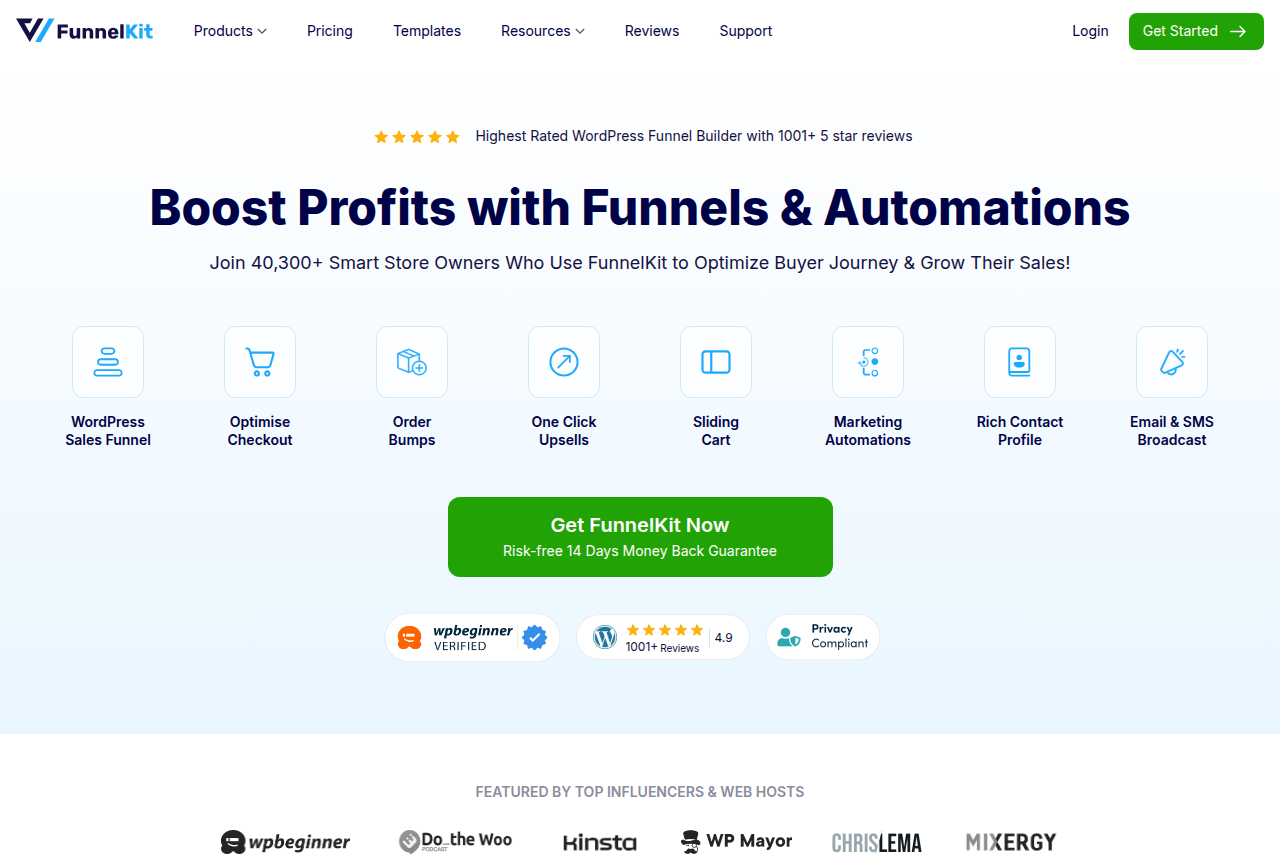
FunnelKit's homepage says 40,300+ store owners use it. Its FAQ says Funnel Builder has no CRM and no automation of its own. Email, SMS and the visual automation builder are part of FunnelKit Automations. The Professional plan on the offer page includes them. Plus is enough when the bump and the following offer are all you need. That FAQ and the offer page disagree on the introductory price. The card follows that page. The FunnelKit review covers the automation features.
Renewals return to the full price
Both companies bill annually. The second number on each card is what the next year costs. On FunnelKit's offer page, the first charge is discounted, and renewals are billed at the full price. CartFlows lists the renewal on its pricing page the same way.
CartFlows Starter includes checkout templates and funnel pages. Bumps, post-purchase offers and A/B tests are on Pro. FunnelKit Basic is the optimized checkout, and its FAQ says Basic does not include order bumps. Bumps, funnels and A/B tests start on Plus. The CRM and the broadcasts start on Professional.
CartFlows buyers complain that the license renews automatically, and that a renewal falls outside the refund window. Put that date on a calendar before the year is up. You still pay the WooCommerce gateway on each sale. The checkout cost calculator applies that fee to whatever monthly revenue you enter.
When a WordPress plugin is the wrong tool for paid traffic
FunnelKit describes its A/B test as two or more versions of a page, a split of traffic, then later visits sent to the winner. CartFlows lists A/B split testing on Pro. Both plugins test by serving more than one page, so the address can change once a winner is picked. An ad pointed at that address can go back through review. Software that keeps the test on the URL the ad already uses is covered in checkout split testing.
Each order still runs through one WooCommerce gateway. Spreading the first sale across several merchant accounts is a separate job, covered in MID routing for subscription and rebill offers. If the checkout itself has to sit on more than one account, start with the Checkout Champ review.
If you move the catalog off WooCommerce, the reviews index lists hosted carts and funnel platforms. A store that stays on WooCommerce also keeps WooCommerce itself updated, including the block checkout, alongside the plugin.
My take
I would pick CartFlows Pro when the pages are already in Elementor, Bricks or Divi and the email tool is staying put. FunnelKit Professional is the plan if texts and broadcasts have to be edited in wp-admin. Plus covers a store that only needs the bump and the offer that follows checkout. Prices and plan limits on the cards come from each vendor's pricing page. I read those pricing pages and public comments from people who have used the plugins. That process is written up on the research method page.
Compare CartFlows and FunnelKit, then pick the plan with the offer you need. Other guides in this section are on the Best of page.
Sources
Written by
Last checked 2026-10-20
Comments
No comments yet. Questions and your own experience are welcome.
Thank you. Your comment will appear once it has been reviewed.