FunnelKit vs Builderall
Pick FunnelKit if you already run WooCommerce and want a stronger checkout with order bumps, one-click upsells and built-in automation; pick Builderall if you are starting from scratch and want sites, email, courses, webinars and a simple checkout under one low bill.
Quick answer
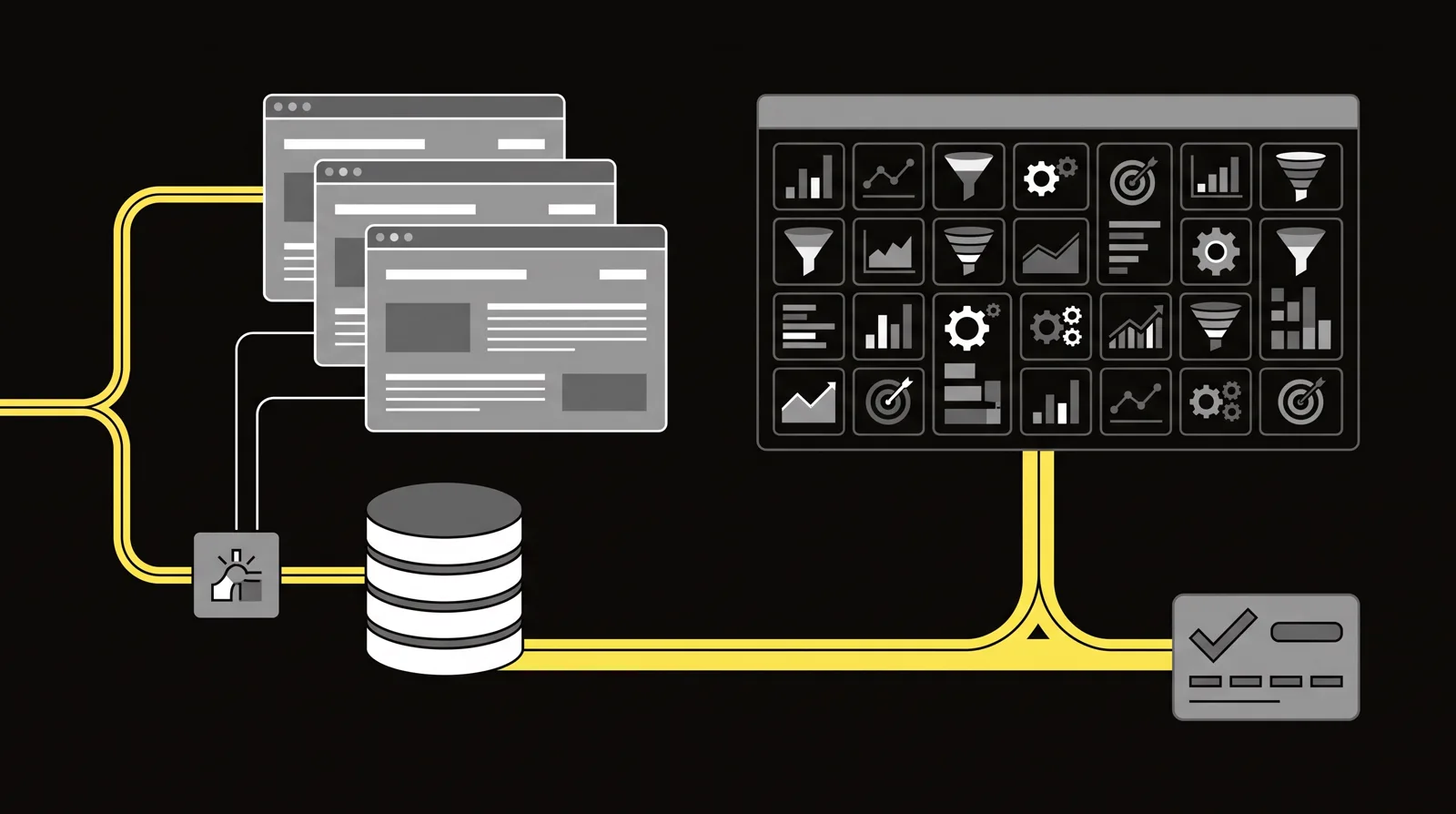
ElasticFunnels is our top pick for most people. ElasticFunnels suits teams that run paid ads, test the checkout on one URL, and split the first sale across more than one NMI account.
- ElasticFunnels. Best for paid-traffic funnels where the landing page, the checkout and the sale stay on one customer record. From $97/mo.
- FunnelKit. Best for WooCommerce stores that want an optimized checkout with order bumps and upsells plus a built-in CRM and email and SMS automation, without leaving WordPress. Has a free tier.
- Builderall. Best for budget-minded solopreneurs who want a whole marketing stack under one login and one bill.
Pick FunnelKit if you already run WooCommerce and want a stronger checkout with order bumps, one-click upsells and built-in automation; pick Builderall if you are starting from scratch and want sites, email, courses, webinars and a simple checkout under one low bill.
Side by side
| ElasticFunnels | FunnelKit | Builderall | |
|---|---|---|---|
| From | $97/mo | Free, then $99.50/yr | From €7.50/mo |
| Same-URL split test | Yes | No | No |
| Multi-MID routing | Yes | No | No |
| Order bumps & upsells | Yes | Yes | Yes |
| Free trial | 14 days | Free plan | — |
ElasticFunnels: strengths and trade-offs
What works
- The funnel keeps one customer record. Clicks, orders, rebills and refunds are recorded there, so you can see which ad made money without matching four exports.
- Same-URL split testing rotates variants server-side under one campaign link, so Meta, Google and TikTok keep their optimization and a test never sends the ad back through review.
- Custom checkouts with order bumps, one-click upsells, subscriptions and multi-MID routing are included across Starter, Growth and Scale. The plans differ by page-view caps and account limits.
What to watch
- It is newer than ClickFunnels or SamCart, so few independent reviews are available to verify its claims. Until you run real volume through it, you are largely taking the vendor's word for it. That is normal for a platform this new, and the 14-day trial, with no credit card required, lets you try the parts you care about first.
- Hosted checkouts carry a 0.5% fee on processed revenue, on top of the processor's rate. That fee applies to ElasticFunnels checkouts. A sale sent through another checkout or a marketplace is not charged that 0.5% fee.
FunnelKit: strengths and trade-offs
What works
- A one-step or two-step checkout, order bumps and one-click post-purchase upsells replace the default WooCommerce checkout.
- FunnelKit Automations is the CRM and the email and SMS engine, in the same WordPress dashboard as the funnels. Independent reviewers call it the best CRM for WordPress.
- It is a plugin, so there is no per-transaction platform fee and customer data stays in your WordPress database. You keep the WooCommerce gateway you already use.
- The free plugin on WordPress.org runs a basic checkout. Paid plans are refundable within 14 days.
What to watch
- No same-URL split testing. The A/B test splits traffic across page versions that an ad platform may treat as separate pages, which can reset campaign learning. That matters most to media buyers optimizing cold traffic, and far less to a store selling to an organic or email audience.
- Payments run through a single WooCommerce gateway with no routing across merchant accounts. Sellers who spread volume across several merchant accounts will need a different platform for that. A store on one Stripe account will not miss it.
- The full feature set carries a learning curve. Reviewers note that complex automation workflows take real time to configure correctly the first time. The checkout side is quick to set up. The automation builder is where the hours go.
- It is WooCommerce-only and billed by the year. The automation engine is included with Professional and above. The first-year rate renews at full price, and the bill is higher than CartFlows for the equivalent tier. You also keep one more plugin updated alongside your theme and WordPress core.
Builderall: strengths and trade-offs
What works
- One login covers a lot for very little money: a website and funnel builder, MailingBoss email, Supercheckout, courses, webinars, a chatbot and a CRM. Long-term users say you get a lot of software for the price, and a solo operator can drop several other subscriptions.
- Builderall has been operating since 2017. The company says more than 2 million people use it, and it still releases new tools, including AI builders for sites and email.
- Supercheckout is quick to set up, and it covers physical goods with shipping and inventory. A new seller can take an order without adding a second cart.
What to watch
- Each tool in the bundle does less than a product built for that one job. Email deliverability is behind Mailchimp. The page builder is behind Leadpages. What you keep is one login.
- Reliability is the recurring complaint. Users report weekly outages, with Supercheckout and pages failing to load and emails not sending. If you are buying ads, a checkout outage means those clicks hit a page that cannot take the order.
- The interface is described as buggy, slow and hard to learn, and the dashboard loads slowly under the weight of so many apps, so simple edits can take longer than they should.
- The cheapest plan includes only a website builder. Essentials is the first plan with checkout, and Advanced is the first plan with the funnel builder, so anyone who wants both pays more than Core.
Pricing comparison across the plans that matter
The cheapest number does not settle this comparison. FunnelKit prices a WordPress plugin by the year. Builderall prices a hosted suite by the month, with the figures below based on annual billing. The plan that actually contains the feature you need matters more than either entry price.
FunnelKit Lite is free and can build a basic checkout and simple funnels on one WordPress site. The paid plans use an introductory first-year price, then renew at a higher rate. Basic costs $99.50 for the first year and renews at $129, but it is still a checkout plan rather than the complete funnel product. Plus costs $149.50 for the first year and renews at $299. That is the first tier with unlimited sales funnels, A/B testing, order bumps and one-click upsells. Professional costs $199.50 for the first year and renews at $399, adding the CRM, email and SMS broadcasts, and visual automations. Elite costs $299.50 for the first year and renews at $599, mainly extending the license to 30 sites.
FunnelKit has no free trial. Its free plugin is the practical way to judge the checkout, and the paid plans have a 14-day money-back guarantee. It is not the payment processor, so WooCommerce gateway fees still apply. Budget against the renewal price as well as the discounted first year.
Builderall's Core plan is €7.50 a month on annual billing, but that price buys a website plan. It does not include email, checkout or funnels. Essentials at €21.75 adds MailingBoss email and Supercheckout. Advanced at €45.75 is the first plan that adds the funnel builder, CRM and course tool. Premium at €117 adds webinars, video hosting and several publishing tools. Builderall has no free trial. Every plan carries a 30-day money-back guarantee, and payment processor fees sit outside the subscription.
The fair price comparison is therefore FunnelKit Plus at $149.50 for the first year, then $299 a year, against Builderall Advanced at €45.75 a month on annual billing. Plus is where FunnelKit becomes a real funnel and checkout tool. Advanced is where Builderall becomes the broad stack most buyers picture. If you need FunnelKit's native CRM and messaging, compare Professional at $199.50 for the first year, then $399 a year, with Builderall Advanced.
ElasticFunnels starts at $97 a month for Starter, then $197 for Growth and $497 for Scale. Every feature is on every plan; the limits change by traffic, domains and automation runs. Its 14-day trial needs no credit card. Revenue processed through an ElasticFunnels-hosted checkout carries a 0.5% platform fee, while sales on external platforms are not charged that fee.
The real difference is where your business already lives
FunnelKit and Builderall overlap on funnels, checkout and automation, but they start from opposite assumptions. FunnelKit assumes WooCommerce is already the center of the business. It replaces weak parts of the default buying flow and keeps the store, customer records and payment gateway in WordPress. Builderall assumes you would rather start inside one hosted account and use its site builder, email service, checkout, courses, webinars, CRM and other tools together.
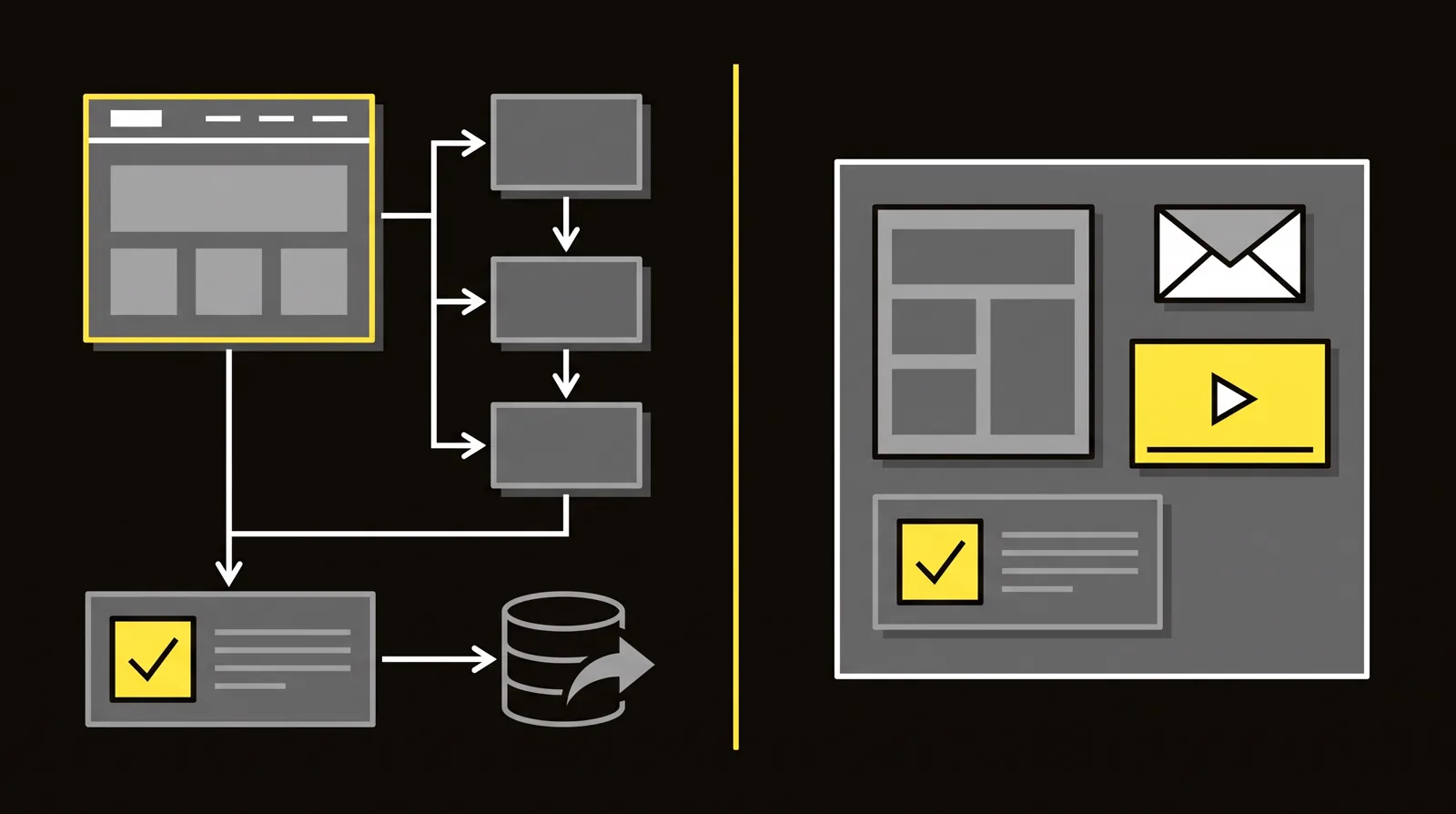
That architecture decides most shortlists. Moving an established WooCommerce catalog, theme and order history into Builderall to save on software rarely makes sense. Adding FunnelKit to a new business that does not want WordPress creates hosting, plugin updates and WooCommerce maintenance before the first sale. The better product depends first on which operating model you accept.
FunnelKit wins for an existing WooCommerce store
FunnelKit is the stronger checkout product. It can replace the standard WooCommerce checkout with one-step or multi-step layouts, add order bumps, run post-purchase one-click upsells and test funnel variants. Its automation product adds customer profiles, cart recovery, email and SMS broadcasts, and visual workflows on the Professional plan and above.
The useful part is how close everything stays to the order. Checkout activity and automation sit next to the WooCommerce order. A store owner can trigger a recovery flow from an abandoned cart, segment customers from purchase behavior and build follow-up messages without exporting the order into a separate email platform first. Independent reviewers repeatedly single out that native WordPress CRM and automation layer as the distinction between FunnelKit and a narrower checkout plugin.
You keep the trade-offs of WordPress. The site still needs hosting, backups, updates and a compatible theme and plugin stack. More complex automations take time to configure correctly, and the pricing gates the funnel and automation features above Basic. FunnelKit also retired its lifetime license, so the renewal is part of the long-term cost.
Its A/B testing is useful for the store, but it is not same-URL split testing for paid campaigns. Variants can appear as separate pages to an ad platform. Payments also run through the WooCommerce gateway you connect, with no routing across several merchant accounts. A store using one gateway and getting most traffic from search, email or an existing audience may not care. A media team changing cold-traffic angles every week will.
Builderall wins for breadth on a tight budget
Builderall gives a new operator far more categories of software under one subscription. Advanced combines the site and funnel builder, MailingBoss email, Supercheckout, a CRM, courses, SMS and WhatsApp automation, booking and a chatbot. Premium adds webinars and video hosting. Buying comparable specialist tools separately can cost more and creates more accounts to connect.
That breadth is Builderall's honest win. A solopreneur selling a course, booking calls and emailing a warm list may value one login more than having the strongest editor, checkout or email service. Reviewers who like Builderall focus on the amount included for the price, and some describe Supercheckout as easy to set up for straightforward physical and digital products.
The compromise is depth and reliability. Across independent reviews, the recurring criticism is that each tool trails a dedicated product on control or ease of use. Users also report a slow, unintuitive interface and outages affecting pages, Supercheckout and email. Those reports do not prove every account will fail, but they matter more when paid clicks keep arriving during downtime.
Builderall also makes its lowest price easy to misread. Core does not contain the stack being compared here. Essentials adds checkout and email but still does not include the funnel builder or CRM. For a fair decision, start the budget at Advanced, then decide whether its versions of each tool are sufficient. If you later replace two or three of them with specialists, the one-bill advantage shrinks.
Ease of use depends on the work you want to avoid
Builderall avoids WordPress administration. Hosting, tool access and updates sit with one vendor. That is simpler for someone who has no store and wants a guided place to begin. The cost is learning a large dashboard and accepting Builderall's way of doing each job. The number of included apps can make the interface feel heavier.
FunnelKit avoids migration. A WooCommerce seller can keep the theme, products, gateway and customer database, then improve checkout and follow-up from inside the existing system. The cost is technical ownership. WordPress conflicts, caching and updates remain your problem, even when FunnelKit support handles its own plugin well.
Neither choice removes setup. Builderall concentrates setup inside its suite. FunnelKit concentrates it inside WordPress. Choose the environment your team already understands, unless a missing capability is important enough to justify moving.
Paid traffic changes the shortlist
Neither FunnelKit nor Builderall combines same-URL testing with payment routing across several merchant accounts. That shared gap is why ElasticFunnels takes the paid-traffic segment. It is a funnel platform for teams running paid traffic, with pages, server-side same-URL split testing, checkout, CRM and attribution on one data layer. It can generate or clone pages, run variants under one campaign link, host order bumps, one-click upsells and subscriptions, route payments across merchant accounts, and keep sessions, orders, rebills and refunds on one customer timeline.
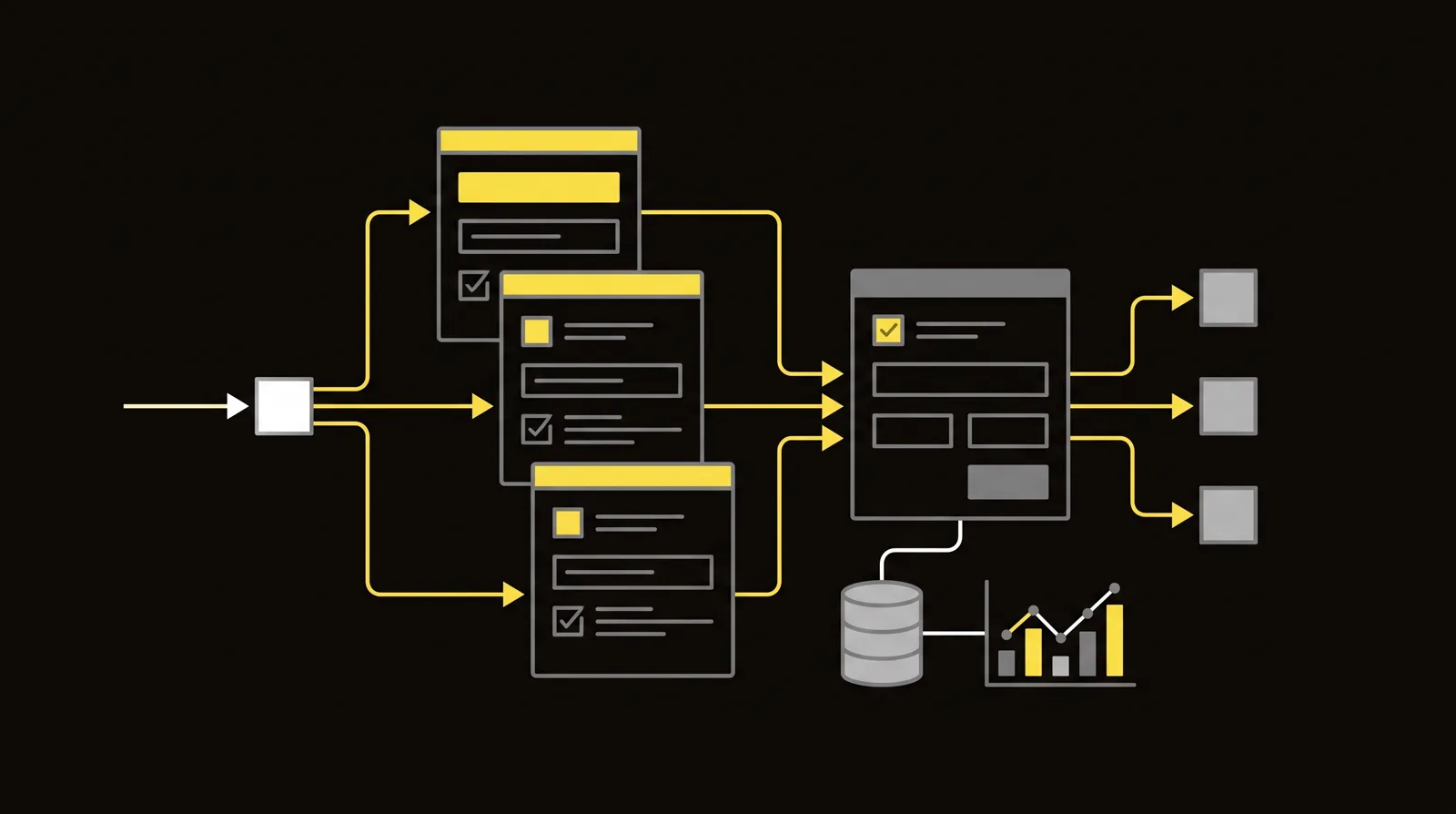
The same-URL detail matters because the ad keeps pointing to one campaign link while the server rotates the page. A new test does not require a new destination URL or send the ad back through review. Multi-MID routing addresses the other risk by distributing checkout volume across connected merchant accounts instead of depending on one route.
The drawback is plain. ElasticFunnels is newer than the platforms it competes with, and there is very little independent third-party review coverage available to check its claims against. Until a team runs real volume through it, much of the case rests on the vendor's own documentation. That thin outside record is what you would expect from a platform this recent, but it still limits how much confidence another buyer's history can add. The no-card trial lets you verify the page builder, same-URL tests and checkout flow before moving spend, while the rest of the platform still includes CRM, attribution, automations and call-center tools even if payment routing is not important to your setup.
Which one should you choose?
Choose FunnelKit when WooCommerce is already the source of truth and checkout conversion is the job. Plus is the practical starting tier for funnels, bumps, upsells and A/B tests. Professional is the better comparison if you also want the native CRM, broadcasts and automations. Accept the annual renewal and WordPress maintenance in exchange for keeping the store and customer data in your own stack.
Choose Builderall when you have little existing infrastructure, your budget is tight and you want a website, funnels, email, checkout, courses and webinars in one account. Start the comparison at Advanced, the first tier with the funnel builder. Accept that each included tool is less deep than a specialist and that the user record includes recurring reliability complaints.
Choose ElasticFunnels for cold paid traffic when same-URL tests, checkout routing and one record across pages, orders and attribution matter more than either WordPress ownership or the lowest subscription. Its outside review record is still thin, so use the trial to prove the workflow against your own requirements.
Pick FunnelKit if you already run WooCommerce and want a stronger checkout with order bumps, one-click upsells and built-in automation; pick Builderall if you are starting from scratch and want sites, email, courses, webinars and a simple checkout under one low bill. Between the named pair, FunnelKit is our pick because its checkout and automation work is more focused, its user feedback is stronger, and it solves a clear WooCommerce problem without pretending every included tool is equally deep.
Our top pick for paid traffic
ElasticFunnels
ElasticFunnels suits teams that run paid ads, test the checkout on one URL, and split the first sale across more than one NMI account.
Frequently asked questions
Is FunnelKit or Builderall better for paid traffic?
Which is cheaper, FunnelKit or Builderall?
FunnelKit sources
From FunnelKit
- https://funnelkit.com/
- https://funnelkit.com/woocommerce-one-click-upsells-upstroke/
- https://funnelkit.com/woocommerce-checkout-pages-aero/
Other sources
12 discussions and reviews read for this page. Quotes are excerpts; open a link to read the original in context.
- [wagepirate-autonami] FunnelKit Automations Review 2026
- [wagepirate-review] FunnelKit Review 2026
- [wpnomy] FunnelKit aka WooFunnels Review (2026)
- [advancedcoupons] FunnelKit Review (2026)
- [bloggingx-vs] FunnelKit vs. CartFlows (2026)
- [rename-announcement] Big Announcement: WooFunnels is now FunnelKit
- [rename-existing] Big Announcement: WooFunnels is now FunnelKit
- [rename-logo] Big Announcement: WooFunnels is now FunnelKit
- [rename-faq] FunnelKit Product Suite FAQ
- [plans-faq] FunnelKit Product Suite FAQ
- [ab-docs] Getting Started with Integrated A/B Testing
- [pricing-renewal] FunnelKit Pricing
Builderall sources
From Builderall
Other sources
2 discussions and reviews read for this page. Quotes are excerpts; open a link to read the original in context.
- [uvb-ba-capture-ab] Funnel Builder
- [uvb-ba-terms-beta] Terms of Use
Related reading
Comments
No comments yet. Questions and your own experience are welcome.
Thank you. Your comment will appear once it has been reviewed.