Which CRM puts a phone order on the checkout record
You are calling a buyer who started checkout and then stopped, or a buyer whose card just declined. The agent has to add that sale to the checkout order that is already open. Otherwise the funnel and the call center will each count a different buyer.
For a direct-response offer, choose a CRM that lets the agent enter the order on the campaign the checkout already uses. I would start with Konnektive when your own agents enter the card details. Checkout Champ is that same core with its own checkout pages. Sticky.io is the one to open when a partner company places the calls.
Before you buy seats, add the platform fee and the processor cost in the checkout cost calculator.
What a phone order CRM has to record
A phone order CRM is the screen where the agent enters the order, on the campaign the checkout already uses. Konnektive's campaign article says agents can enter orders only after you create a phone campaign. They see that campaign in Order Entry only when List in Order Entry is checked under General Details. Leave that box unchecked and the campaign never appears, so the agent has nowhere to enter the sale.
A hard decline is a separate call from a new order. Konnektive's help page on declined sales says a hard decline cannot be submitted again until an agent contacts the customer. The billing details stay blank until that contact happens, so the agent is the one who has to get a new card. When a retry is allowed, customer service runs it from that same Order Entry screen.
A phone sale is still a charge on a merchant account. Read how a first sale is split across accounts in the MID routing guide for subscription and rebill offers. Compare the dispute ratio with the card-network thresholds in the chargeback ratio checker.
Call center integration with checkout
When the buyer calls back, the agent should see the cart that buyer already started.
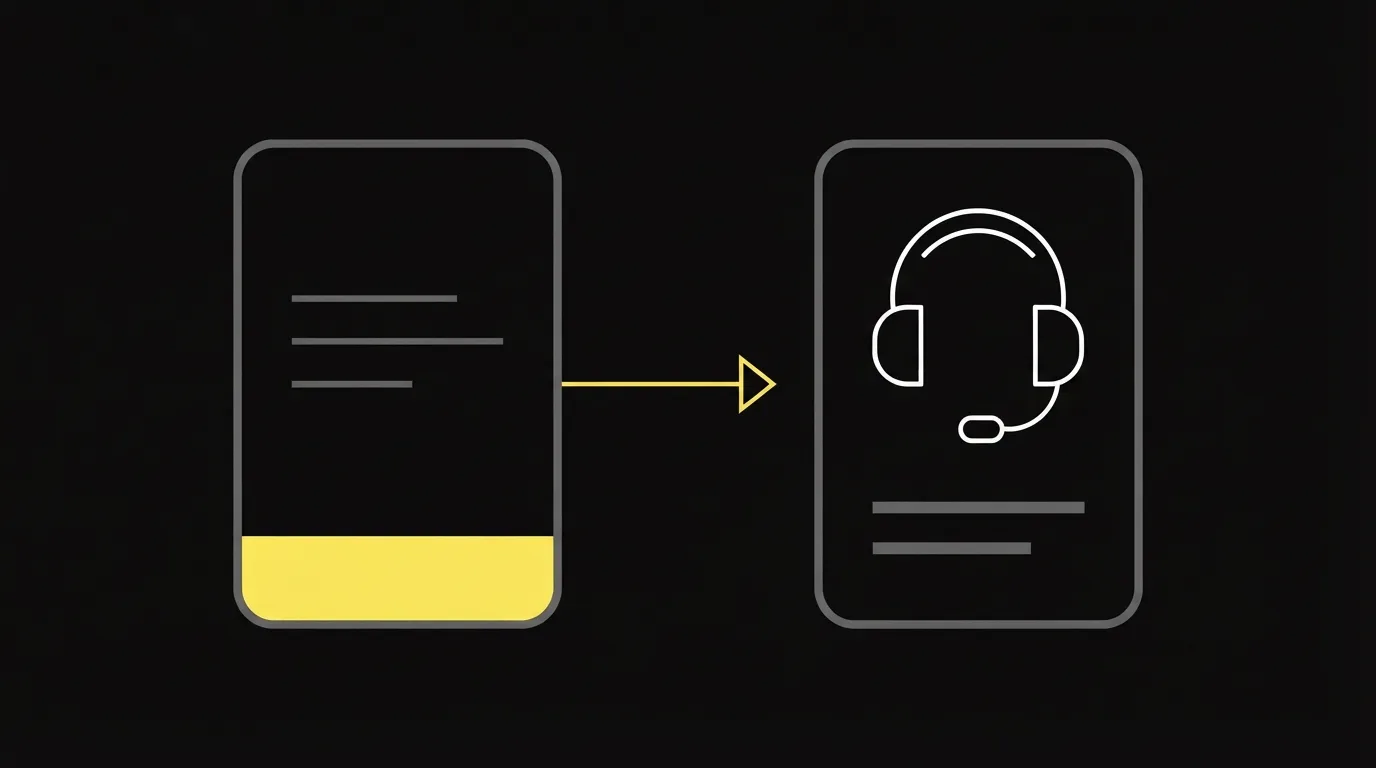
Checkout Champ's capabilities page calls this Rescue partials. The checkout saves each field while the buyer is still typing, before they click pay. On the call, the agent opens that saved cart instead of asking the buyer to start again.
Inbound sales on a nutra offer
For a nutra offer, the inbound sales CRM should show the agent's script beside the order form. The Konnektive article above says the campaign can display a main script, an upsell script and a rebuttal script on the right side of that screen.
Some compliance teams want a person to review the sale before the charge is captured. Quality Assurance holds it as a pre-authorization until someone approves or denies it. The queue is under Customer, then Quality Assurance.
One narrower setup is a desk that takes orders for another company's merchant account. Konnektive's campaign setup calls that option Preauth Only. It places a single $1.00 authorization on the card.
Sticky.io's CRM page says high-risk merchants use it, including CPG, nutra, coaching, digital goods and affiliate-driven funnels. The merchant account still has to pass underwriting. That step is covered in the high-risk merchant account guide.
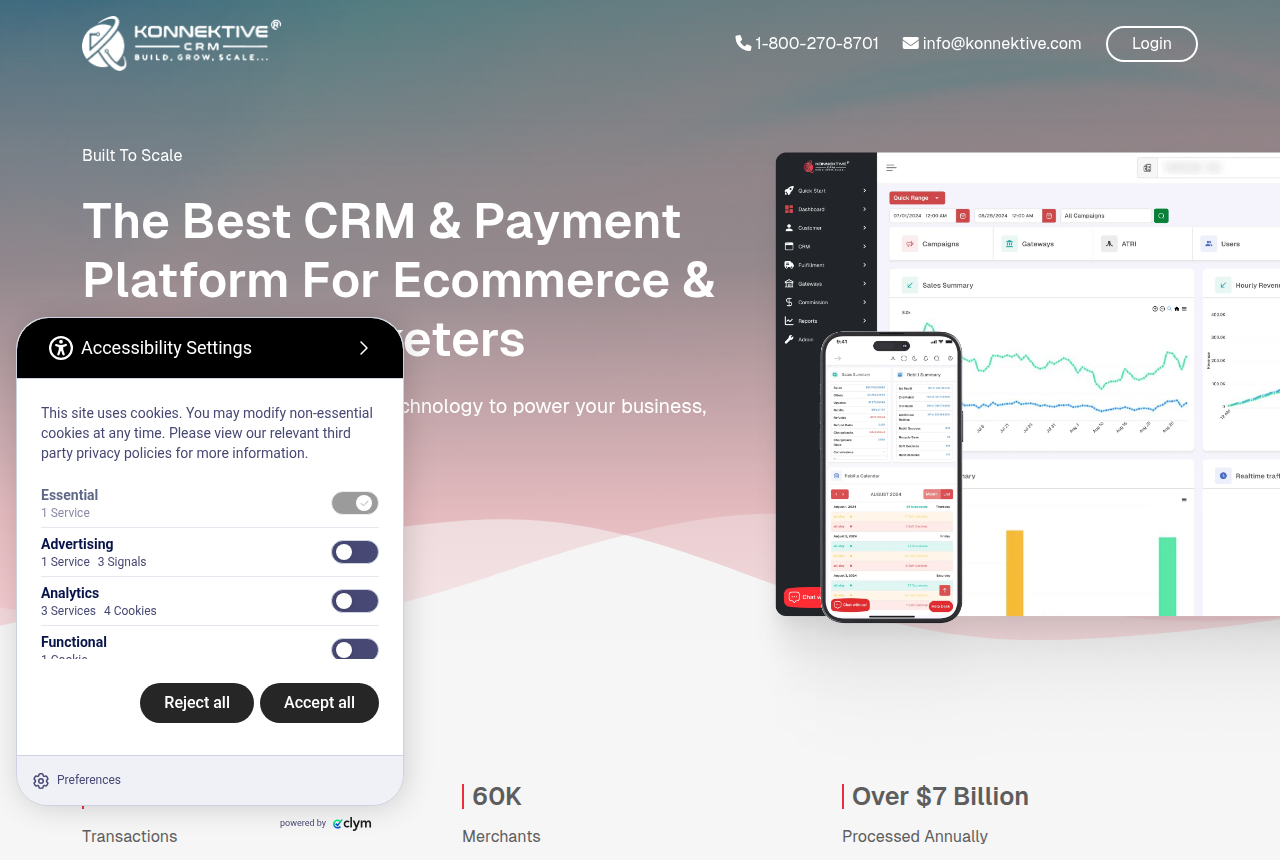
Konnektive
- List price
- Quoted, not published on the site
- For
- Agents who enter the order in the CRM
The campaign steps above are why a call center enters the sale in this CRM. Read the Konnektive review for the gateway setup around that order screen.
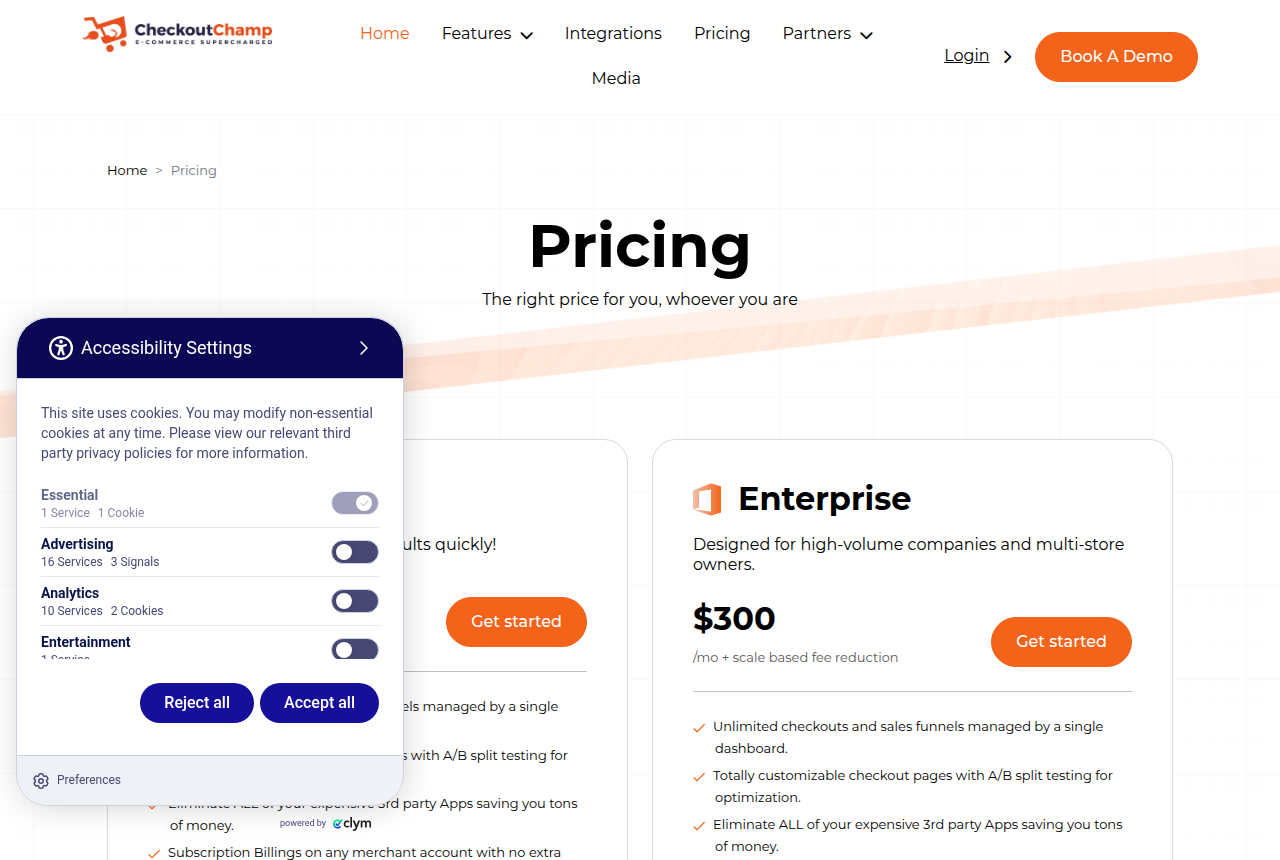
Checkout Champ
- Prices read
- 16 Oct 2026
- Growth
- $300 a month plus 1% of sales
- For
- The Konnektive core, plus checkout pages
Checkout Champ's CRM page says the product is built on Konnektive. The phone setup lives in Konnektive's help articles, and the partial capture above is on this checkout. Checkout pages are covered in the Checkout Champ review.
Open Sticky.io when recurring billing is the hard part of the offer. Billing screens are written up in the Sticky.io review.
Your own agents, or a dialer you connect
Konnektive's call-center article explains how to assign agents to campaigns. You select a user, a role, a team and a commission rate, then add the agent. DNIS and ANI are the media sources on that screen. The homepage lists Manage Call Center Operations among the product's features.
On Sticky.io the dialer is a partner you connect. Its Five9 page describes Five9 as a cloud contact center for outbound dialing and automated workflows. The integrations directory lists Five9 under Call Centers and Customer Support, next to Connect First and Global Contact Solutions.
What merchants say once they work in the admin
Merchants who have used both tend to give checkout tests to Checkout Champ and the heavier subscription billing to Sticky.io.
Public comments on Sticky.io describe support that is hard to reach and an admin that feels clumsy. That limit shows up when agents work in the admin all day.
My take
Keep Konnektive when a reviewer has to approve the charge before capture. Skip a dialer that cannot open the checkout order. Checkout Champ is the one to add when the abandoned form has to be saved, because that keystroke capture is on its checkout. Move to Sticky.io when recurring billing is the problem and Five9, or another call center, already places the calls.
A saved sale is still a card charge. Add chargeback management software when those saves start showing up as disputes.
Your next step
Put your monthly revenue into the checkout cost calculator, then choose the CRM whose order screen matches the calls you take. More of these guides are on the Best of page.
Sources
Written by
Last checked 2026-10-20
Comments
No comments yet. Questions and your own experience are welcome.
Thank you. Your comment will appear once it has been reviewed.