MID capacity planner: how many merchant accounts you need for your monthly volume
How many merchant accounts you need depends on two limits at the same time. Each account has an approved monthly volume. The dispute count on any single account also has to stay below the Visa and Mastercard thresholds, and that split holds only when every account sees the same dispute rate.
The short answer: plan for whichever figure is higher. Divide the month's card volume by the cap on one account. Divide expected chargebacks so each account stays at or under 1,500 on Visa, and so each account stays under 100 on Mastercard. A ratio already at 150 basis points (1.5%) stays at that ratio after you split the sales.
Checkout.com's scheme monitoring notes set that excessive VAMP line, in force since April 2026, for North America, Europe, Asia Pacific, and Latin America and the Caribbean. Visa calculates the ratio only once combined fraud and dispute reports reach that 1,500 floor. Braintree's Mastercard summary is where the 100-dispute threshold comes from.
Treat the result as an estimate. The ratio you enter is applied to this month's card sales. Visa's figure also includes fraud reports and uses settled card-not-present transactions as its base, so the number your acquirer prints can differ. See how many accounts you need.
This month's accounts
Type the monthly dollar limit from the merchant agreement. Agreements set that cap, and they differ from one account to the next.
Enter your monthly card sales, average order value, the monthly cap and the chargeback ratio, then press the button.
Two example months
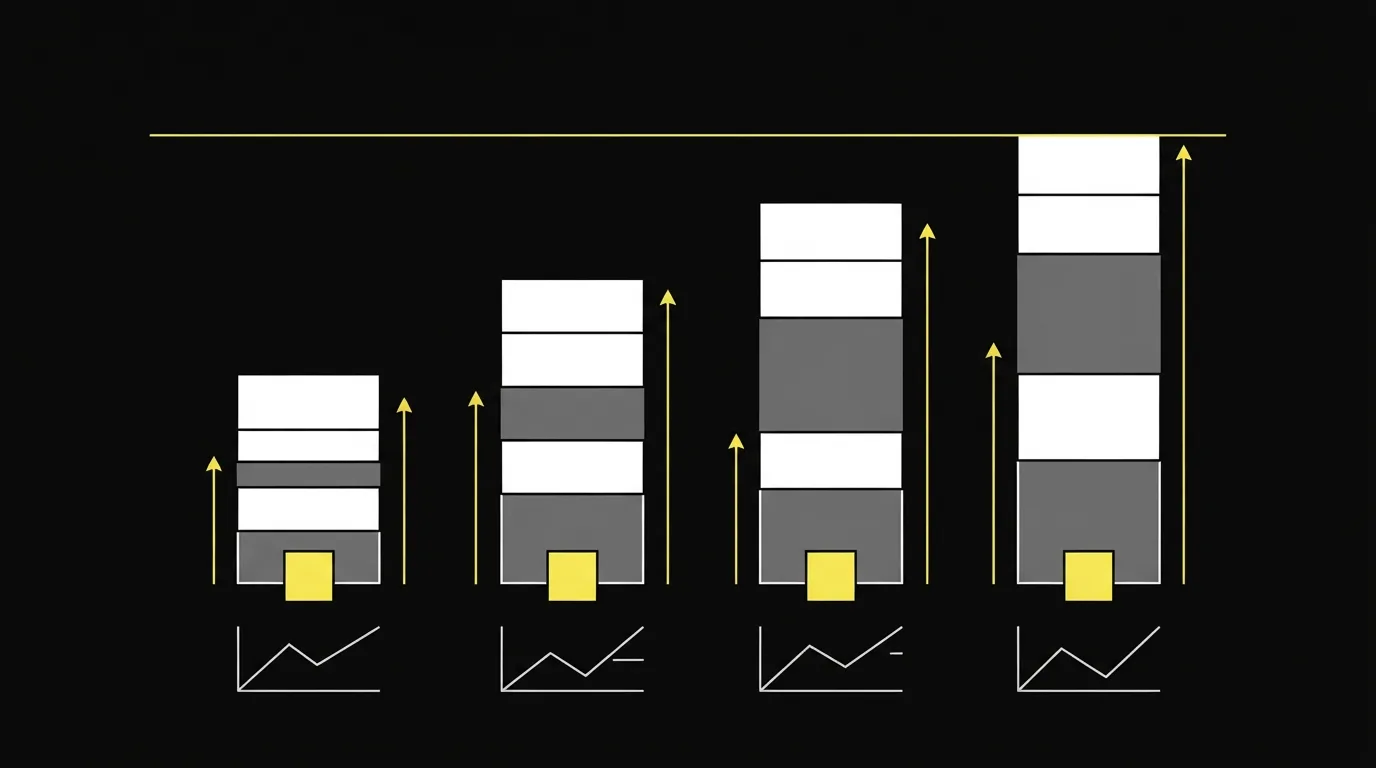
The first column uses the numbers already filled in above. The second column raises the order count and the cap together, and the monthly cap is still what sets the plan.
| Figure | First month | Second month |
|---|---|---|
| Card sales | 10,000 | 200,000 |
| Average order | $120 | $50 |
| Card volume | $1,200,000 | $10,000,000 |
| Cap per account | $50,000 | $500,000 |
| Dispute ratio | 1.2% | 0.8% |
| Expected disputes | 120 | 1,600 |
| From the cap | 24 | 20 |
| From Visa's count | 1 | 2 |
| From Mastercard's count | 2 | 17 |
| Plan for | 24 | 20 |
In the first column, the monthly cap is the binding limit. That ratio falls in the roughly 0.9% to 1% range PayKings names as the point where card networks begin monitoring. PayKings is an acquirer, so that band is the processor's warning, distinct from the Visa and Mastercard excessive thresholds named above. In the second column, the monthly cap still sets how many accounts you need. Set the dollar cap aside and Mastercard's dispute count becomes the limit. You need fewer accounts to stay under Visa's threshold. That second ratio falls below the processor's warning threshold.
What is a MID?
A merchant account monthly cap is the dollar limit in that account's processing agreement. Merchants report that exceeding an approved daily or monthly processing limit, without telling the processor first, can bring an account review, a hold or a freeze.
Mastercard reviews each merchant account ID on its own every month. It evaluates the dispute count and the ratio for that ID. The planner follows the same split, one account at a time.
MID load balancing: the dispute rate follows the offer

When every account sees the same offers, each one keeps the same dispute rate. Dividing sales across accounts changes the dispute count on each merchant ID, which is what the network thresholds track.
Mastercard flags Excessive Chargeback Merchant status only when the dispute count and the ratio both reach that tier in the same month. The ratio in that program is chargebacks received in the month divided by sales processed in the prior month. Visa's program update says the minimum count keeps the program aimed at significant problems. Ordinary month-to-month swings stay outside it.
| Mastercard tier | Disputes in the month | Ratio |
|---|---|---|
| Excessive (ECM) | 100 to 299 | 1.50% to 2.99% |
| High excessive (HECM) | 300 or more | 3.00% or more |
The chargeback ratio checker runs the ratio on its own, including Mastercard's prior-month sales count. Use it when you already know the disputes and only need the rate.
Merchants who run multiple merchant accounts often use two to four MIDs. A hold on one account then leaves the others processing, and each account carries a smaller dispute count.
My take: add the next account when processing volume against the cap is the deciding factor. If the ratio is already in the excessive band, fix the offer before you open another account, because extra accounts only spread the count and leave the same dispute rate on every new account.
After you have the count
For a subscription, renewals are billed to the account that stored the card. Read the guide to MID routing for subscription and rebill offers before you set weights, and leave room in that cap for the renewal month.
Opening those accounts means a fresh underwriting review. Our guide to high-risk merchant account providers walks through that application.
When the cap is what forces the extra accounts, routing can send the next sale to an account that still has room, and it can move new sales if one account fails. To bring the ratio down, compare alert tools in the chargeback management software guide. Other guides in this section are on the Best of page. Open the planner again after you change a cap or a ratio.
Sources
Frequently asked questions
What do the four fields mean?
Do more accounts lower a dispute rate that is already high?
How should I read a processor warning against a network excessive band?
Will this approve a new merchant account?
Written by
Last checked 2026-10-23
Comments
No comments yet. Questions and your own experience are welcome.
Thank you. Your comment will appear once it has been reviewed.